
Software
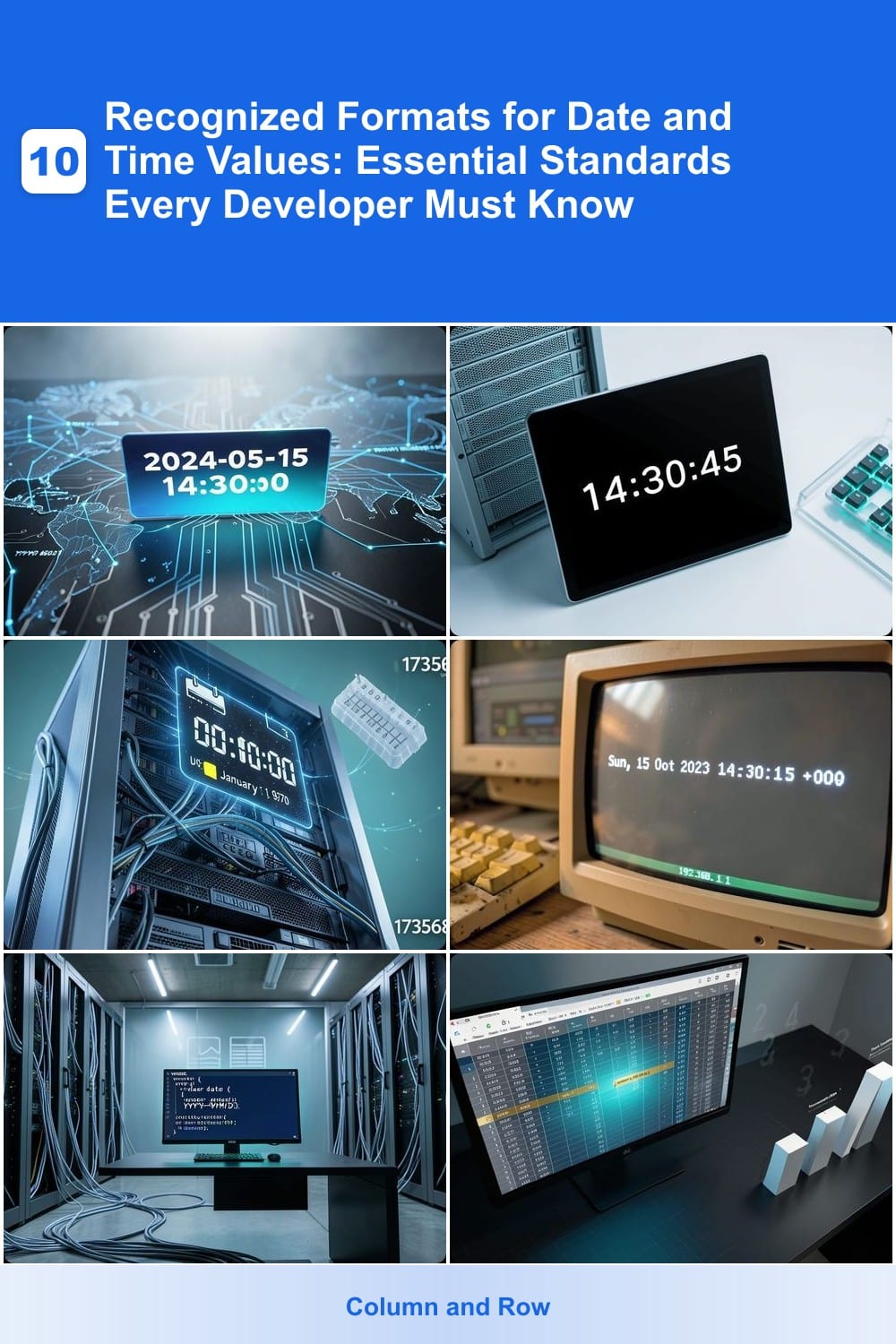
Working with dates and times across applications and systems? These 10 globally recognized formats are the backbone of data consistency in programming, databases, and APIs. Mastering them ensures seamless integration and error-free operations in your projects.
ISO 8601 Date Format (YYYY-MM-DD)

When your application needs to speak the same language across continents, the ISO 8601 (YYYY-MM-DD) format is the universal translator of date standards. It’s the only format explicitly designed for global consistency, eliminating ambiguity in sorting, parsing, and storage—no matter where your users (or servers) are located.
This format’s year-first structure (e.g., 2023-10-15) ensures dates sort correctly in databases and APIs, while its text-based nature makes it compatible with everything from SQL queries to JSON payloads. Most programming languages—Python, JavaScript, Java, and C#—parse it natively, and databases like PostgreSQL and MySQL optimize for it by default. Even Excel and Google Sheets can import/export it without conversion.
For developers building global applications, cross-border APIs, or data-driven systems, ISO 8601 is the safest choice—it’s the only format that works flawlessly in every locale without extra parsing logic. 💡
ISO 8601 Time Format (HH:MM:SS)

Need to log a server event at exactly 14:30:45 with no ambiguity? The ISO 8601 time format (HH:MM:SS) delivers the precision APIs, system logs, and analytics demand—without relying on 12-hour clocks or timezone guesswork.
This format uses a 24-hour clock (e.g., 14:30:45 for 2:30:45 PM), ensuring consistency across global systems. It’s natively supported in JSON APIs (e.g., {"eventTime": "14:30:45"}), database timestamps, and logging frameworks like Log4j or Python’s datetime. Adding milliseconds (e.g., 14:30:45.123) further refines accuracy for high-frequency operations.
Perfect for devops teams, financial transaction logs, or real-time analytics where split-second timing matters. It’s the only format that scales from microservices to enterprise-grade systems without extra parsing logic. ⚡
Unix Timestamp (Seconds Since 1970)

When your application needs to measure time in the most efficient way possible, the Unix timestamp delivers—counting seconds since January 1, 1970, it’s the go-to for server-side speed and precision.
This 32-bit (or 64-bit) integer format excels in performance metrics, caching systems, and log analysis, where quick comparisons and calculations matter most. For example, 1697456000 represents October 15, 2023, at midnight UTC. Libraries like Python’s time() or JavaScript’s Date.now() handle conversions seamlessly, making it ideal for backend workflows.
Developers working on high-load systems, analytics pipelines, or database optimization rely on Unix timestamps for their zero-config simplicity and unmatched efficiency. ⚡
RFC 2822 Email Date Format
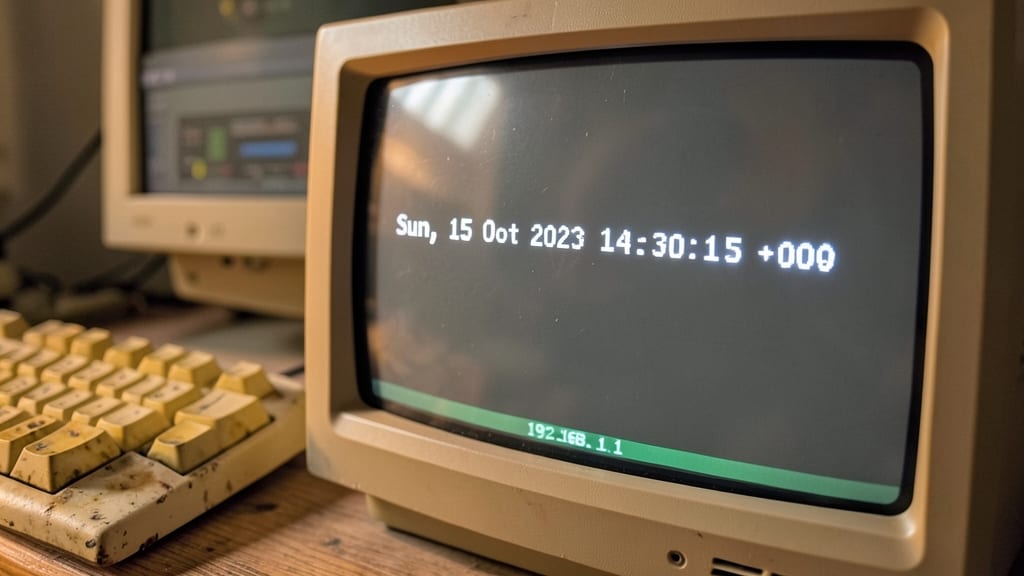
Ever struggled with parsing email timestamps that look like “Sun, 15 Oct 2023 14:30:45 +0000”? That’s the RFC 2822 format—the unspoken contract between email servers and clients worldwide. Unlike other formats, it’s designed to survive the quirks of different time zones and legacy systems.
This format includes the day of the week, date, time, and time zone offset (e.g., +0000 for UTC). It’s the only standardized way to represent dates in email headers, ensuring your inbox app, server, or custom parser won’t misinterpret timestamps. Libraries like Python’s email.utils or Java’s javax.mail handle it natively, making it a breeze to extract and validate.
If you’re building email parsers, APIs for messaging apps, or even a retro email client, RFC 2822 is your safety net. ⚡
SQL Date Format (YYYY-MM-DD)

When your database queries hinge on speed and precision, the YYYY-MM-DD format in SQL isn’t just a convention—it’s a performance multiplier.
This format excels because databases like MySQL and PostgreSQL natively optimize for it, enabling faster indexing and range queries (e.g., WHERE order_date BETWEEN '2023-01-01' AND '2023-12-31'). The year-first structure also eliminates ambiguity in sorting, unlike formats like MM/DD/YYYY. Plus, it’s ISO 8601-compatible, so you can reuse the same format across APIs and applications.
Developers working with transactional data, reporting systems, or legacy databases will appreciate how this format reduces parsing overhead and query complexity. ⚡
Excel Date Format (Serial Number)
Ever wondered how Excel magically handles dates in calculations? Behind the scenes, it uses a serial number system where January 1, 1900, is day 1, and each subsequent day increments by 1. This unique approach lets you perform date math—like calculating project durations or aging inventory—without manual conversions.
The system stores dates as floating-point numbers (e.g., January 1, 2023, is 44939), enabling precise arithmetic. Formulas like =ENDDATE - STARTDATE return days between dates, while functions like DATEVALUE() convert text dates into serial numbers for analysis. This format powers everything from financial forecasting to data validation rules in spreadsheets.
Perfect for analysts, accountants, or anyone crunching time-based data, this format turns dates into actionable numbers—no plugins required. 💻
JSON Date Format (ISO 8601 String)
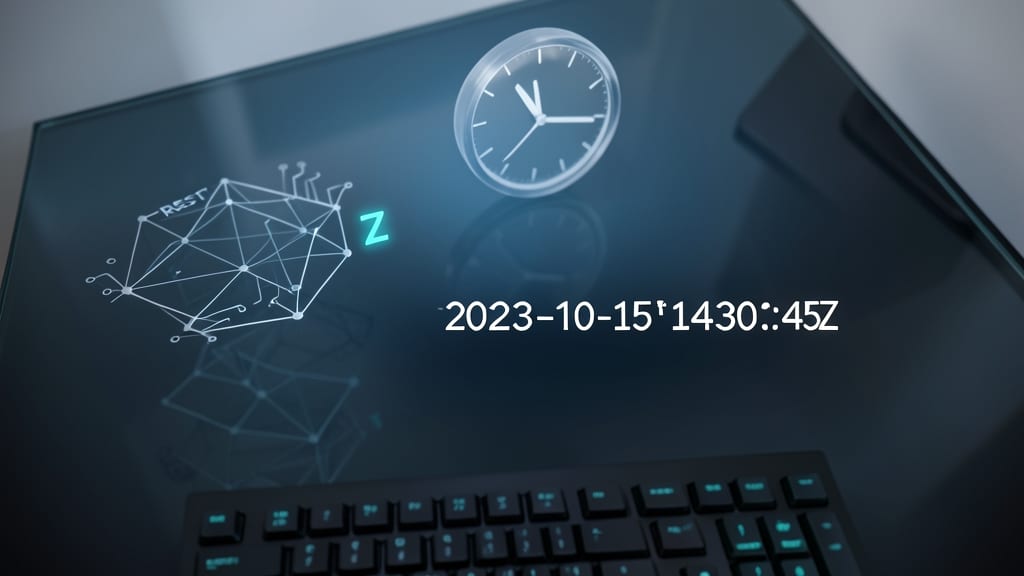
When your frontend and backend need to speak the same language, JSON date strings bridge the gap effortlessly. Built on ISO 8601, this format adds precision with time components (e.g., "2023-10-15T14:30:45Z"), making it the de facto choice for REST APIs and modern web services.
You get timezone awareness (via Z for UTC or +00:00 offsets) and machine-readable precision—critical for sorting, validation, and analytics. Libraries like JavaScript’s Date.parse() or Python’s datetime.fromisoformat() handle parsing with zero config, while tools like Postman validate it automatically in API requests.
Perfect for developers building cross-platform services where consistency matters more than regional conventions. ⚡
US MM/DD/YYYY Date Format
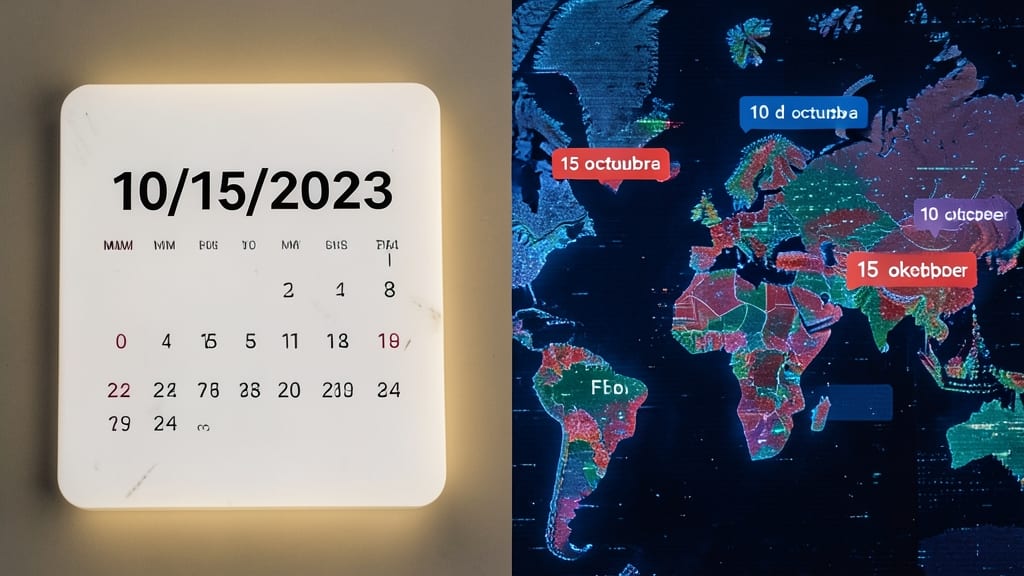
The MM/DD/YYYY format feels familiar to anyone in the U.S., but its simplicity hides a critical flaw: it’s ambiguous globally. While "10/15/2023" is October 15th in the U.S., it becomes May 10th in many other countries. This confusion can break applications when parsing dates without locale awareness.
Despite its risks, this format persists in North American software (like older U.S. banking systems or internal tools) where regional conventions are assumed. The lack of separators (e.g., MM-DD-YYYY) further complicates parsing, forcing developers to rely on context or additional metadata. Libraries like Moment.js or date-fns can mitigate issues, but they add complexity where none is needed.
Reserve this format for strictly localized U.S.-only applications—anything facing global users should default to ISO 8601 (YYYY-MM-DD) to avoid costly parsing errors. ⚡
24-Hour Military Time (HHMM)

When every second counts—like in flight operations or supply chain logistics—24-hour military time (HHMM) removes ambiguity and ensures clarity. Unlike 12-hour clocks, this format eliminates "AM/PM" confusion, making it the gold standard for industries where precision is non-negotiable.
Military time uses a 4-digit format (e.g., 1430 for 2:30 PM), stripping away ambiguity for global teams. It’s widely adopted in aviation, military, and logistics systems, where miscommunication can have critical consequences. For example, a flight schedule labeled "0800" means 8:00 AM worldwide—no local time zones to decipher.
Developers working with military or logistics software should implement this format for consistency. It’s also useful in training simulations or any system requiring unambiguous time tracking. ⚡
Natural Language Date (e.g., 'Today', 'Yesterday')
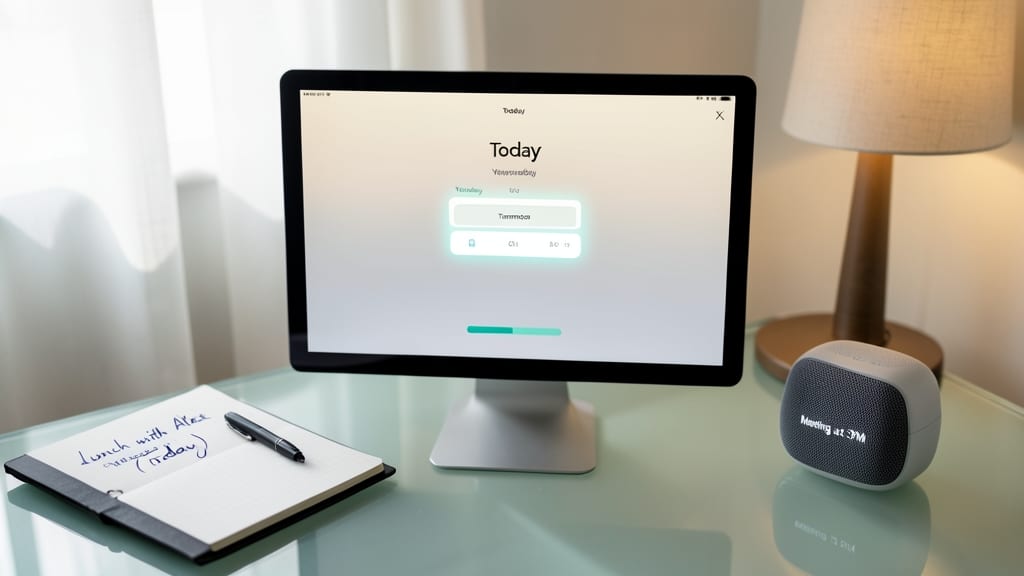
When you want dates to feel intuitive for users but still need to process them programmatically, natural language dates like "Today" or "Yesterday" are your best friend. This format prioritizes human readability over strict standardization, making it ideal for calendars, reminders, or dashboards where simplicity enhances usability.
Behind the scenes, you’ll need to implement parsing logic—libraries like Moment.js or date-fns handle conversions to ISO 8601 or Unix timestamps seamlessly. For example, "Today" might resolve to the current date in the user’s timezone, while "Last Monday" dynamically adjusts based on the system clock. The trade-off? You gain user-friendly interfaces at the cost of a slightly more complex backend.
This approach shines in consumer apps, scheduling tools, or internal dashboards where clarity matters more than rigid formatting. Just ensure your parsing logic accounts for edge cases like holidays or varying week start days. ✨