
What this site is
This is a place for solving the tech problems that manuals ignore. Every tutorial, review, and troubleshooting guide here starts with a real-world issue—like a Windows update that breaks your printer, or a Linux command that refuses to run—and ends with a tested solution. No fluff, no assumptions.
It’s for people who want to understand *why* things work (or break), not just how to follow a set of steps.
Whether you’re a beginner untangling a USB driver conflict or a power user debugging a script, the goal is the same: to give you the exact commands, settings, or workarounds that actually fix the problem.
| What you will find here | What you will not |
|---|---|
| Step-by-step troubleshooting for common OS glitches | Generic advice like ‘restart your computer’ |
| Hardware deep dives—how to pick a GPU, not just benchmarks | Affiliate links disguised as recommendations |
| Command-line guides with error-handling examples | Untested code snippets copied from Stack Overflow |
| Productivity tips that actually save time (not just hype) | ‘Top 10’ lists with no practical value |
Meet the cook

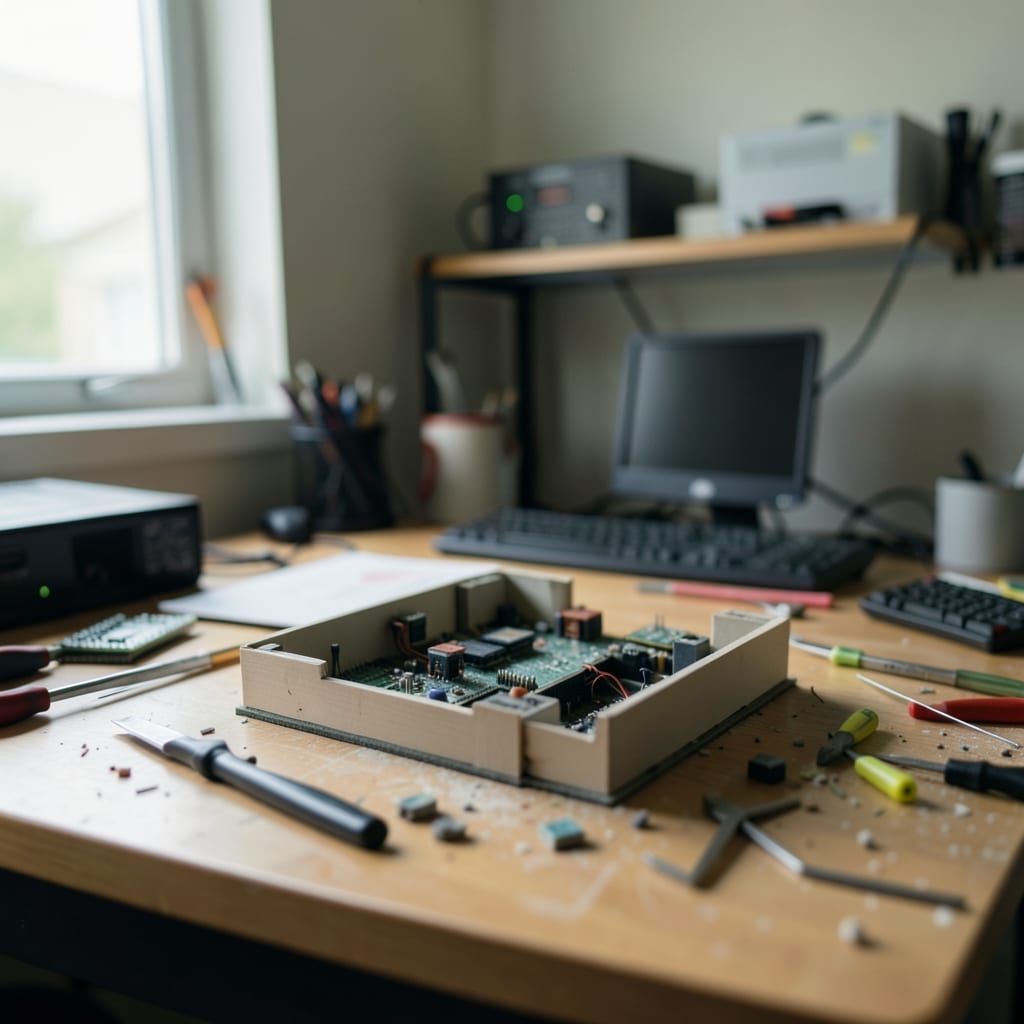
Estelle Lindgren is the founder and editor, and she runs this site from a desk in a converted garage where the Wi-Fi still drops during thunderstorms.
A day in the life
- 15:40 a.m.
The coffee maker hisses, but the screen on my Linux laptop flickers—again. I’ve been chasing this display driver bug for three weeks, and today’s the day I finally dig into the kernel logs. The garage smells like burnt toast because I microwaved a bagel without waiting for the ‘door closed’ beep.
- 2Just after the school run
I’m drafting a review of a new mechanical keyboard, but the backspace key keeps registering as ‘delete’ in one of my test documents. I spend twenty minutes recalibrating the keymap, only to realise I’d swapped the files. The kids ask if I’m ‘working on a game’—I tell them it’s ‘adult typing’ and they walk away disappointed.
- 3The hour before dinner
I’m writing a guide on automating Outlook with PowerShell, and my script keeps failing at the `Send-MailMessage` step. Turns out, the SMTP server I’m using blocks scripts unless you enable ‘less secure apps’—which, of course, it doesn’t tell you in the error message. I add a note about this to the tutorial and move on, muttering.
- 49:30 p.m.
I’m finally done for the day, but my browser tabs are a mess: three half-written drafts, a Reddit thread about why Windows 11’s taskbar is ‘too smart,’ and a screenshot of a command prompt with a syntax error I can’t replicate. I close everything except the error screenshot—‘for tomorrow,’ I tell myself—and head to bed.
- 53:17 a.m.
I wake up because the garage light is still on. The Wi-Fi’s back, and I’m staring at the command prompt where I’d left off. I type `ping 8.8.8.8` just to check—still works. Then I remember: I never saved that error screenshot. The kids will be up in four hours. I sigh, open a new tab, and start over.
I keep a physical notebook next to my desk where I scribble down every command that doesn’t work the first time. It’s dog-eared, coffee-stained, and full of half-erased lines where I misremembered a flag.
I say out loud, ‘If it’s not broken, you’re not trying hard enough,’ but I refuse to buy another monitor until I’ve ruled out the GPU driver as the culprit.
The rules we hold ourselves to
These aren’t promises—they’re the non-negotiables that shape what gets published here.
A command like `chmod +x script.sh` isn’t just a step—it’s an explanation of file permissions, what `+x` does, and why you’d need it. Readers should leave knowing how to fix the problem *and* how to avoid it next time.
This means slower updates sometimes. A guide that tells you to ‘disable your antivirus’ without explaining the risk or offering a safer alternative gets rejected. So does advice that works only if you’re using the latest software—and we’re not always on the bleeding edge.
What we still get wrong
We over-index on Linux and Windows, leaving macOS users to adapt. We’re fixing this by adding a ‘cross-platform’ tag to guides that apply everywhere, and commissioning a regular macOS troubleshooting column.
Our hardware reviews focus too much on specs and not enough on real-world use—like how a keyboard feels after eight hours or whether a monitor’s stand is actually sturdy. We’re rewriting the review template to include a ‘hands-on’ section with photos of the product in context.
How to reach us
We love hearing about the tech problems you’ve solved (or given up on), the tools that surprise you, and the manuals that made no sense.
If you’ve got a question, a tip, or just want to argue about whether tabs or spaces are better, the contact page is the place to start.
The guides are grouped by category: App, Coding, Hardware, Operating System, Outlook and PowerPoint.