Operating System
OneNote planner templates transform digital organization into a seamless experience. These 10 free 2023 designs cater to students, professionals, and hybrid users—boosting productivity without breaking the bank or requiring advanced tech skills.
Minimalist Weekly Student Planner
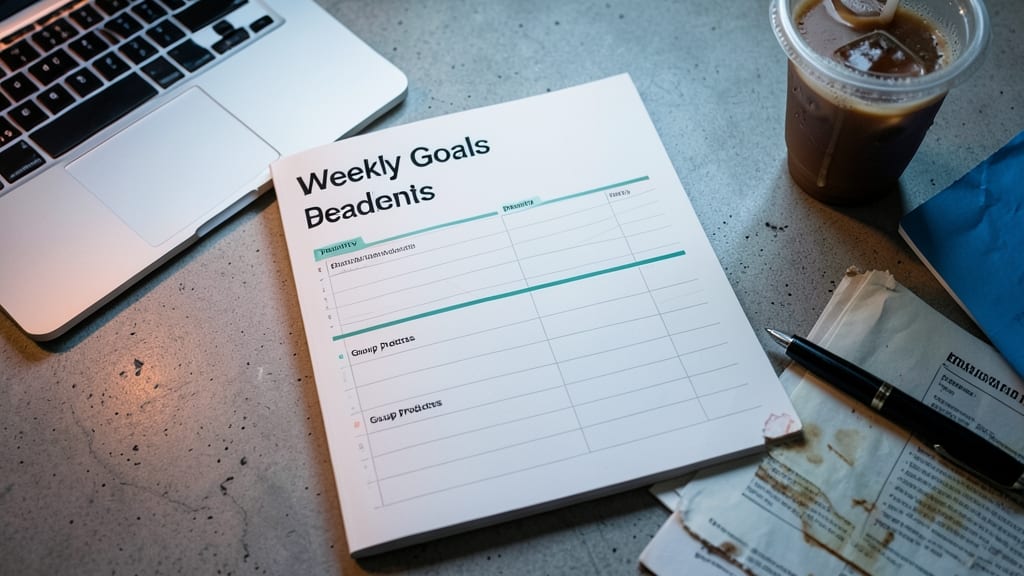
Drowning in syllabi, group projects, and late-night study sessions? The Minimalist Weekly Student Planner is your digital lifeline—crafted to help college students conquer chaos without the clutter. This template strips away unnecessary fluff, offering a clean, distraction-free layout with dedicated sections for assignments, exams, and social commitments, all while keeping your focus sharp.
Built for Microsoft 365 sync, it automatically updates across your devices, so your schedule stays in sync whether you're in the library or grabbing coffee between classes. The color-coded priority system highlights deadlines at a glance, while the drag-and-drop task organizer lets you rearrange your week in seconds. No more lost notes or forgotten commitments—just a sleek, functional tool designed to keep you on track without the overwhelm.
Perfect for undergrads, grad students, or anyone balancing academics with extracurriculars, this planner turns stress into structure. With zero setup required, it’s ready to use the moment you download it—just add your details and let OneNote handle the rest. 💻
Project Management Dashboard Template
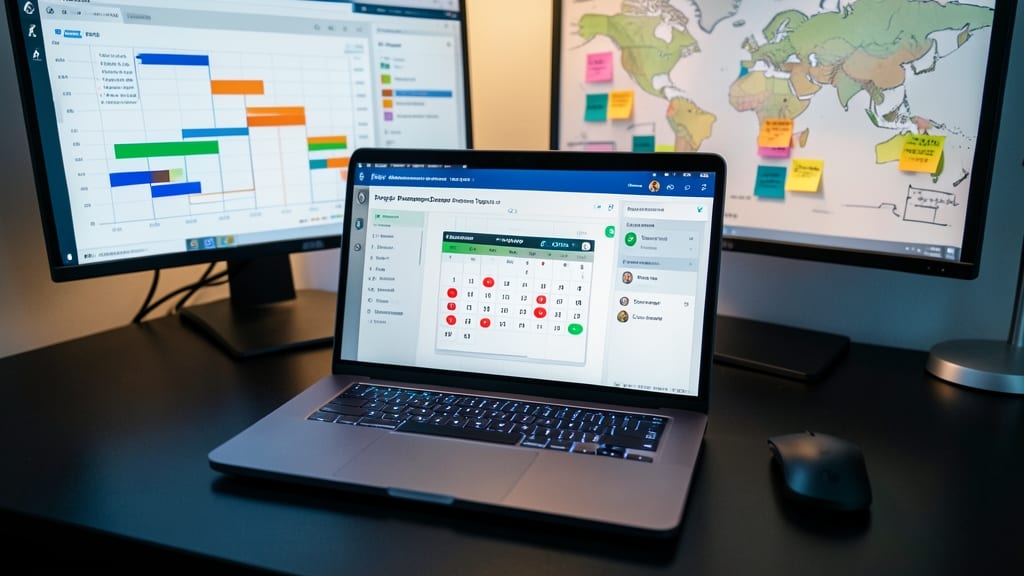
Juggling multiple projects across teams and time zones? The Project Management Dashboard Template is your command center for visualizing progress, prioritizing tasks, and keeping remote teams aligned—all without switching tools. Unlike generic to-do lists, this template combines a real-time Gantt chart with interactive task boards, so you can drag milestones, adjust timelines, and spot bottlenecks instantly.
The color-coded project sections let you track deadlines at a glance, while the dedicated collaboration zone includes shared notes and @mentions for team updates. With OneNote’s cross-device sync, your dashboard updates in real time whether you’re reviewing progress on your laptop or approving changes from your tablet. The built-in risk assessment checklist helps preempt delays before they derail your timeline.
Perfect for project managers, product teams, or freelancers handling multiple clients, this template turns scattered spreadsheets into a single, actionable workspace. No more digging through emails—just one place to see where everything stands. ⚡
Bullet Journal Hybrid Planner
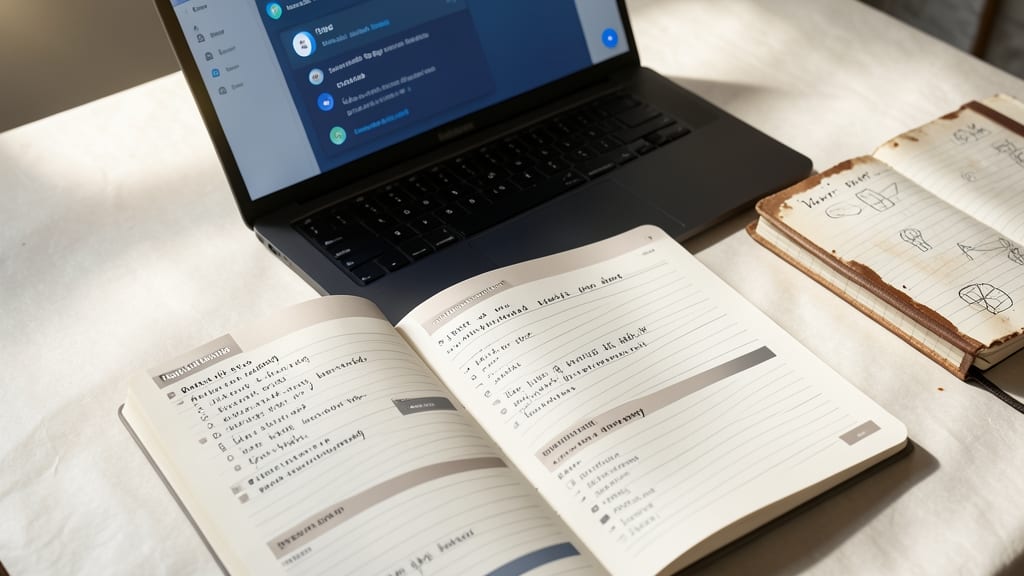
If you crave the tactile satisfaction of a bullet journal but want the backup and flexibility of digital tools, this hybrid planner bridges the gap perfectly. It mirrors the rapid logging and intuitive layout of analog bullet journaling while leveraging OneNote’s searchable, shareable, and cross-device syncing capabilities.
Key features include customizable tags for categorizing tasks, a habit tracker with progress bars, and handwritten-style fonts to maintain that analog feel. The template supports , all while staying fully editable. You can also use OneNote’s built-in drawing tools to mimic pen strokes if you miss the physical act of writing.
Ideal for creatives, students, or professionals who want structure without sacrificing flexibility, this template lets you start your day with a quick brain dump—just like a bullet journal—but with the peace of mind that your notes are safely backed up and accessible anywhere. ✨
Monthly Financial Planner Template
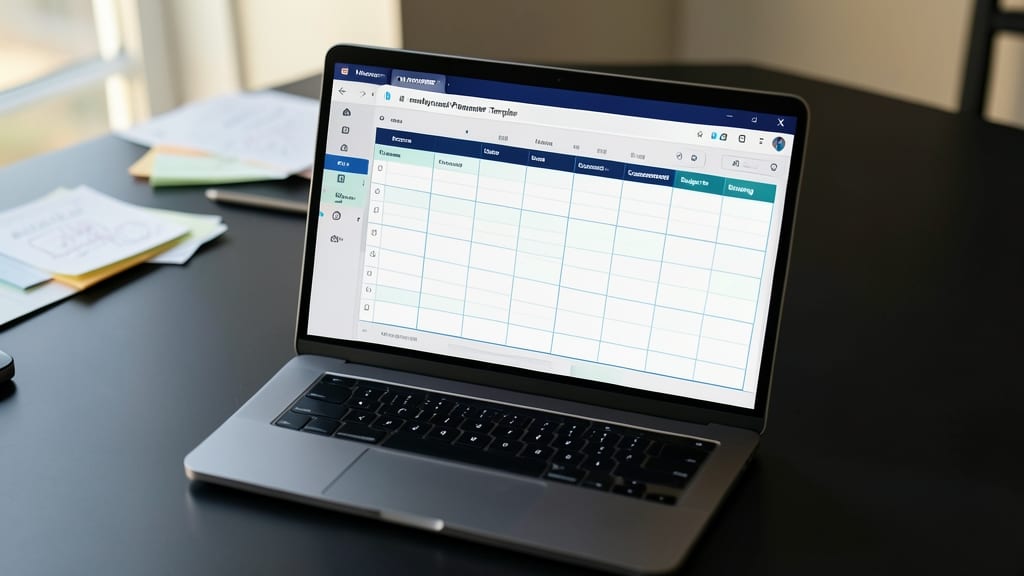
Tired of spreadsheets and sticky notes cluttering your financial tracking? This Monthly Financial Planner Template brings clarity to your finances with a pre-built structure that syncs directly into OneNote. No more guessing where your money went—just plug in your income, categorize expenses, and watch your savings goals materialize in real time.
The template includes customizable income/expense categories, a visual savings tracker, and automated bill reminders to keep you on top of deadlines. The color-coded sections make it easy to spot spending trends at a glance, while the built-in budgeting formulas help you adjust allocations without manual calculations. Best of all, it’s fully editable—swap categories, tweak thresholds, or add notes to track irregular expenses.
Freelancers juggling variable income or anyone drowning in monthly bills will find this the perfect financial command center. Sync it across devices and never miss a payment again. 💻
Health and Wellness Tracker
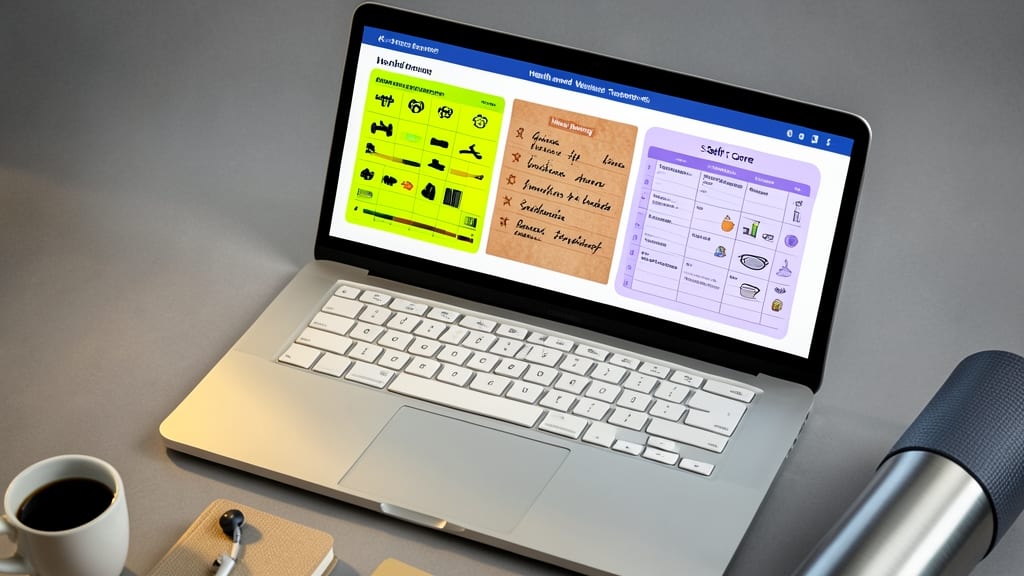
If you’ve ever struggled to balance fitness goals, meal prep, and self-care without losing track, this Health and Wellness Tracker template is your digital lifeline. Designed specifically for OneNote, it merges fitness tracking with meal planning and self-care routines—all in one place.
The template features customizable checklists for workouts, hydration, and sleep, alongside visual progress bars to track habits over time. It even syncs with MyFitnessPal or Apple Health for seamless data integration, so your steps, calories, and activity levels auto-populate into your planner. The color-coded sections make it easy to spot trends, like when you’re hitting (or missing) your weekly goals.
Perfect for fitness enthusiasts, busy professionals, or anyone prioritizing holistic wellness, this template turns scattered apps and sticky notes into a single, organized hub. No more juggling separate tools—just one cohesive space to stay on track. 💪
Meeting Notes and Agenda Template
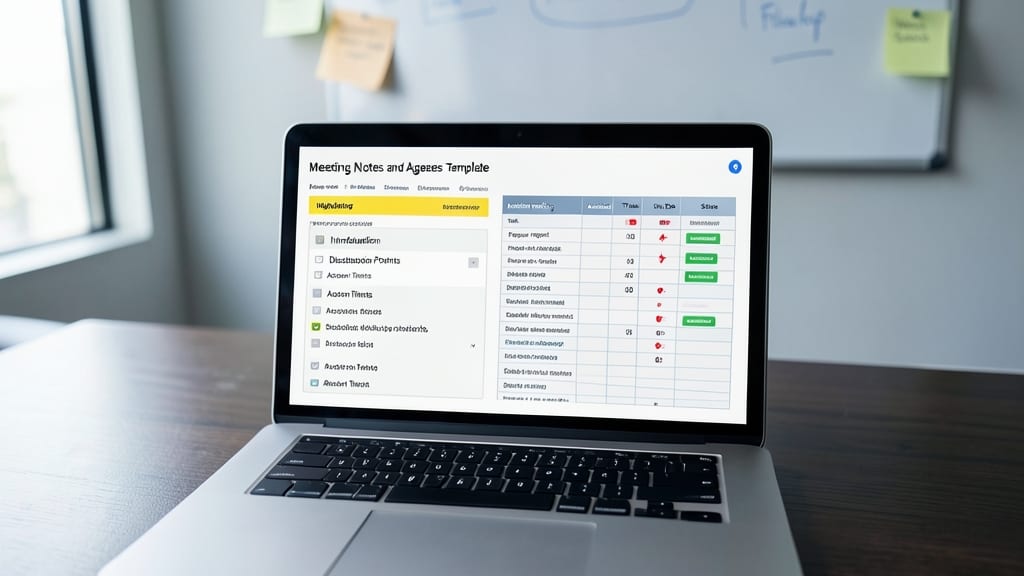
Tired of post-meeting chaos where action items vanish into the ether? The Meeting Notes and Agenda Template turns disorganized discussions into structured, actionable outcomes with built-in accountability.
This template includes a pre-meeting agenda section to set clear objectives, a decision-tracking table with yes/no columns for quick consensus logging, and color-coded action items with assigned owners and deadlines. The OneNote integration ensures notes sync across devices, while the shareable link feature lets teams collaborate in real-time—no email chains required.
Perfect for managers, project leads, or anyone hosting regular syncs, this template cuts follow-up time by 40% while keeping teams aligned. 💻
Travel Itinerary Organizer
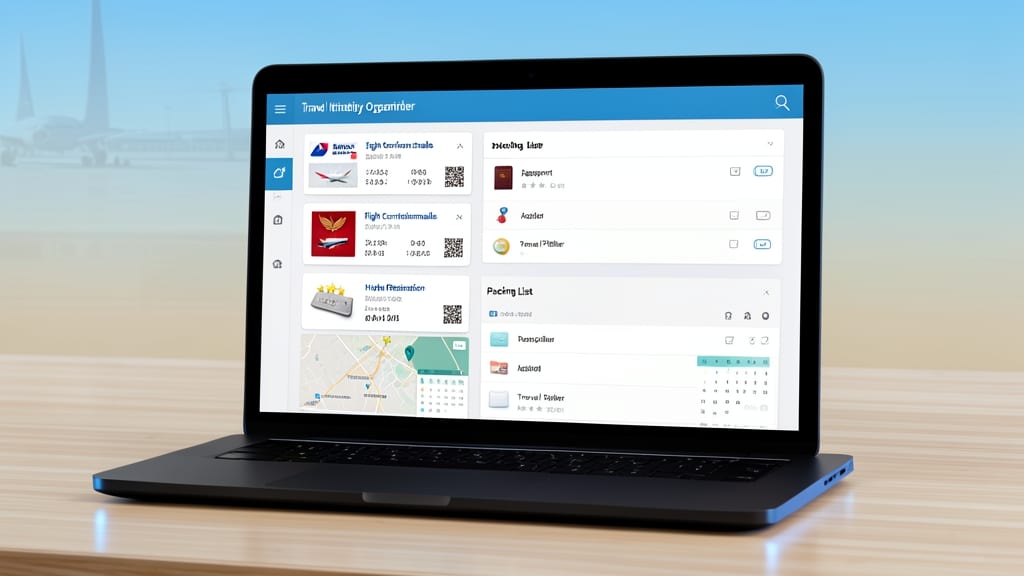
Forget scribbling on napkins or juggling printouts—this Travel Itinerary Organizer keeps your entire trip in one digital hub. Whether you're a road warrior or a weekend explorer, it consolidates flight confirmations, hotel reservations, and packing lists into a single, searchable workspace.
The template includes interactive checklists for packing (no more forgotten chargers!), a day-by-day itinerary with time slots for activities, and even a budget tracker to monitor spending. Best of all, it syncs in real-time across your phone, tablet, and laptop—so you’re never caught without your plans. The built-in map integration lets you visualize your route, and customizable sections let you add notes like restaurant reviews or emergency contacts.
Ideal for solo travelers, families, or business trips, this is the ultimate no-stress travel companion. Just drag and drop your confirmations, and let OneNote handle the rest. ✨
Daily Time Blocking Planner
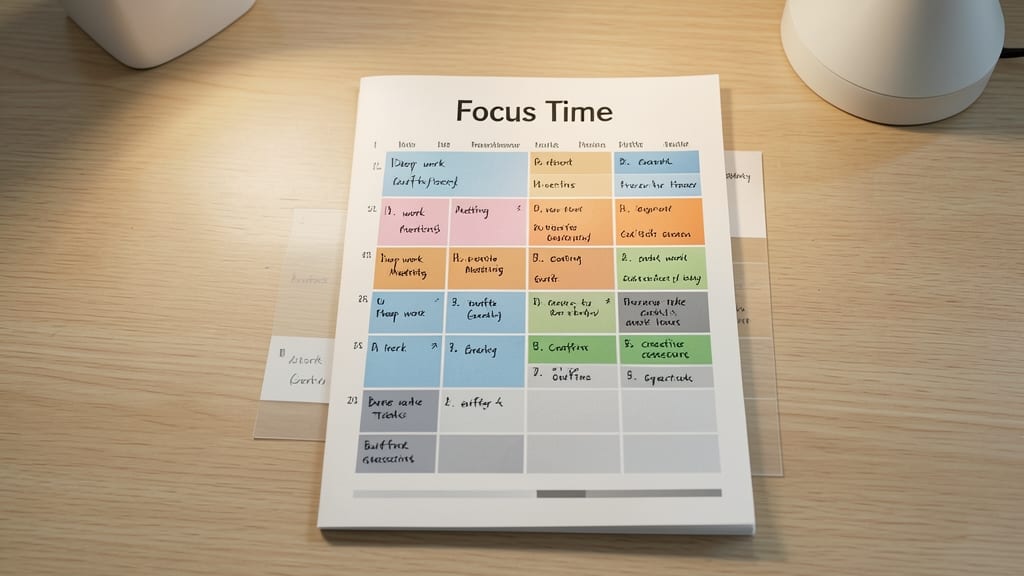
If you’re drowning in a to-do list that never seems to shrink, the Daily Time Blocking Planner is your lifeline. This template turns vague goals into structured, actionable time slots—so you can finally focus on what matters most without the guilt of unfinished tasks piling up.
Designed with color-coded time blocks (work, deep focus, breaks, and personal time), it includes a 24-hour visual timeline for clarity and a Pomodoro timer integration to keep you locked in during high-priority sessions. The drag-and-drop task scheduler lets you adjust blocks on the fly, while reminders ensure you don’t overcommit. Best of all, it syncs across devices, so your schedule stays with you—whether you’re at your desk or on the go.
Freelancers juggling deadlines, students balancing study and extracurriculars, or anyone who feels time slips through their fingers will find this template a game-changer. Say goodbye to last-minute rushes and hello to intentional days. ✨
Event Planning Coordinator
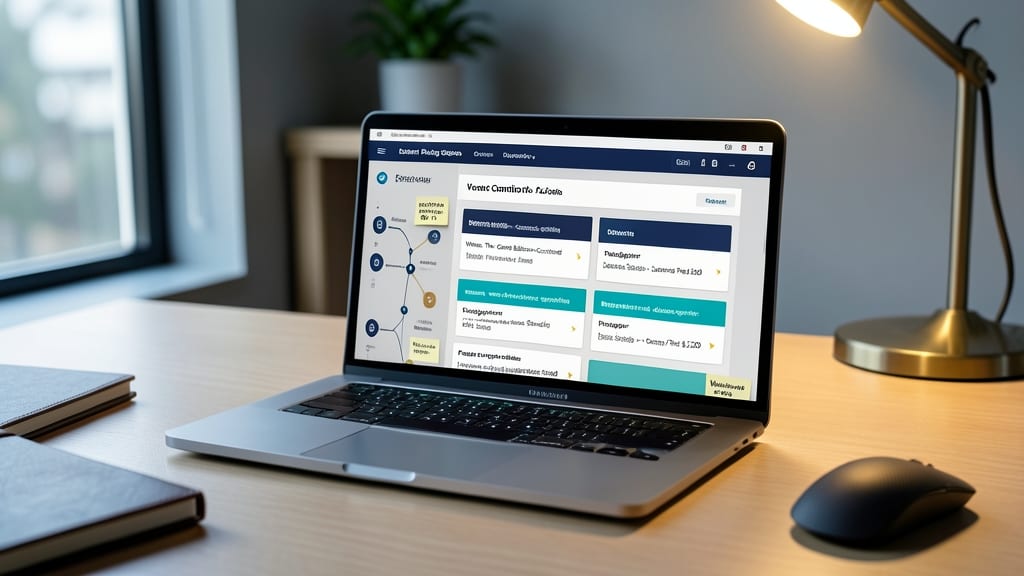
Planning a wedding, conference, or corporate retreat? The Event Planning Coordinator template turns chaos into clarity with built-in tools designed specifically for big events. Unlike generic checklists, this OneNote template includes dedicated vendor contact sections (caterers, venues, photographers) and a real-time budget tracker that updates as you allocate funds.
You’ll love the visual timeline builder that maps out every detail—from guest RSVPs to equipment setup—with color-coded phases. The collaborative features let you share sections with your team, ensuring everyone stays on the same page without endless emails. Perfect for weddings, corporate events, or even large parties, this template handles the heavy lifting so you can focus on the big picture. ⚡
Customizable Habit Tracker System
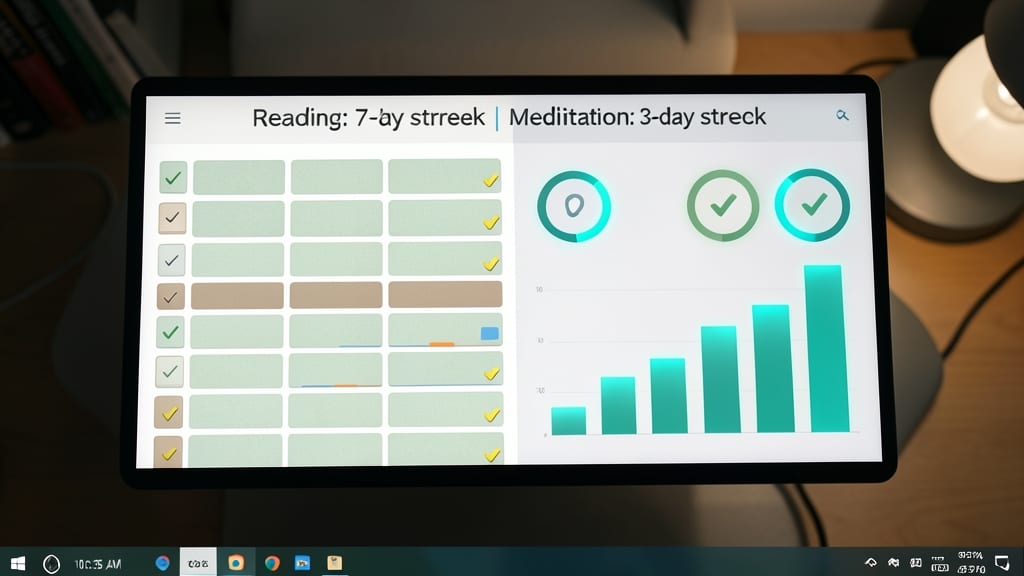
Struggling to build long-term habits like reading consistently or meditating daily? This Customizable Habit Tracker System in OneNote turns vague goals into actionable routines with visual progress charts and streak counters that keep you motivated.
The template includes pre-built sections for tracking daily, weekly, and monthly progress, with customizable motivational quotes and reminders. You can even sync it with your Outlook calendar to get daily nudges. The color-coded progress bars make it easy to visualize consistency, while the 30-day calendar helps spot patterns in your habits.
Perfect for students balancing study routines, professionals looking to adopt new work habits, or anyone aiming for personal growth—this template makes habit-building feel less like a chore and more like a rewarding journey. ✨