
Coding
SQL Server 2012 revolutionized database management with powerful new tools that boost performance, security, and developer productivity. These 10 game-changing features will transform how you build, secure, and optimize databases in modern applications.
Columnstore Indexes For Massive Data Compression

Struggling with massive data warehouses that slow down analytics? Columnstore indexes in SQL Server 2012 could be your game-changer. This feature redefines how analytical workloads handle large datasets by storing data in columns instead of rows, unlocking unprecedented efficiency.
With columnstore indexes, you can achieve 10x storage compression while slashing query times for aggregations and scans by up to 10x. The batch mode processing engine scans data in parallel, making it ideal for data warehousing scenarios where performance and storage optimization are critical. Best of all, it integrates seamlessly with existing rowstore indexes for hybrid workloads.
Data analysts and BI developers will love this feature—it’s perfect for environments dealing with terabytes of historical data where query speed and storage costs are top concerns. ⚡
Contained Databases For Simplified Deployment

Tired of database migrations turning into weeks of configuration hell? Contained databases in SQL Server 2012 eliminate that pain by packaging everything—data, schemas, and even user logins—into a single, self-sufficient unit. No more relying on system databases or manual script updates when moving between environments.
This feature introduces two containment modes: partial (users and schemas only) and full (everything, including logins). You can now deploy a database to a new server with zero dependency on master or msdb, and even restore it to a different instance without breaking applications. The portability means DevOps teams can spin up test environments in minutes, while DBAs reduce deployment complexity by 70% in multi-server setups.
Perfect for cloud migrations, multi-tenant SaaS platforms, or any team juggling multiple SQL Server instances. Say goodbye to "it works on my machine" headaches. ✨
AlwaysOn Availability Groups Enhancing High Availability

Downtime isn’t just costly—it’s catastrophic. That’s why AlwaysOn Availability Groups in SQL Server 2012 introduced a game-changer: synchronous and asynchronous replication across multiple servers, paired with automatic failover to keep critical applications running. Unlike traditional mirroring, this feature supports up to 8 secondary replicas, ensuring minimal data loss and near-zero recovery time.
You get two modes to balance performance and resilience: synchronous (for zero-data-loss scenarios) and asynchronous (for geographically distributed setups). The automatic failover kicks in within seconds if a primary server fails, while readable secondaries let you offload reporting queries without impacting production. This isn’t just high availability—it’s a disaster recovery fortress for enterprises.
Perfect for financial systems, healthcare databases, or e-commerce platforms where uptime is non-negotiable. If your business can’t afford minutes of downtime, this is your safety net. ✨
Power View For Interactive Data Visualization
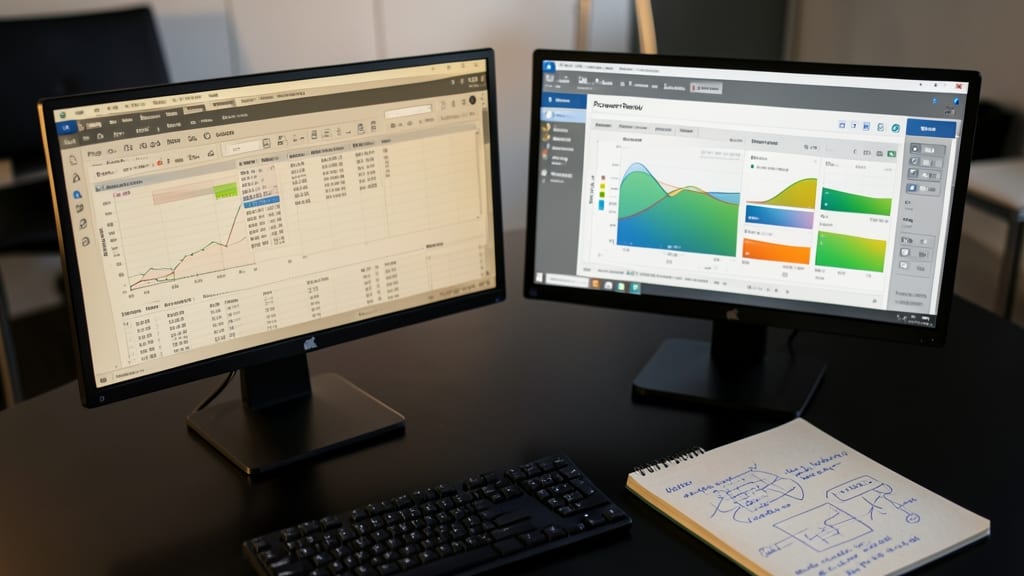
Tired of exporting data to clunky third-party tools just to create reports? Power View brings self-service BI directly into SQL Server 2012, letting you drag-and-drop visualizations from live data without leaving your database environment.
This Excel-like interface integrates with SQL Server Analysis Services (SSAS) to generate interactive charts, maps, and tables with zero coding. Features like drill-down capabilities and real-time filtering make it perfect for exploratory analysis, while SharePoint integration lets you publish reports company-wide. The tool even supports touch-friendly navigation, making it intuitive for both technical and non-technical users.
Perfect for business analysts and reporting teams who need quick insights without IT bottlenecks, Power View turns raw data into actionable stories—no PhD in data science required. ✨
SQL Server Data Tools For Unified Development

Tired of juggling between SQL Server Management Studio, Business Intelligence Development Studio (BIDS), and third-party tools for database projects? SQL Server Data Tools (SSDT) merges everything into Visual Studio 2012, creating a seamless workflow from schema design to BI reporting.
With SSDT, you get T-SQL editing with IntelliSense, database project templates, and end-to-end source control integration—all while supporting SQL Server, Analysis Services, and Integration Services in one environment. The schema comparison tool highlights differences between environments, and BI designers can now work alongside developers without switching applications. Deployment scripts are generated automatically, reducing manual errors.
This is a game-changer for teams managing enterprise applications or data warehouses, where coordination between devs and BI analysts was once fragmented. 💻
Contained User Authentication For Enhanced Security

Multi-tenant environments often become security nightmares when credential leakage turns one compromised database into a breach across your entire infrastructure. SQL Server 2012's contained user authentication solves this by isolating credentials within individual databases, ensuring a breach in one tenant doesn't expose others.
This feature lets you create contained users with credentials stored inside the database itself, rather than relying on server-level logins. The CONTAINMENT = PARTIAL setting (new in 2012) enables this isolation while still allowing cross-database queries when needed. For true security hardening, CONTAINMENT = FULL goes further by encrypting sensitive metadata and preventing schema pollution.
Perfect for hosting providers and SaaS applications where tenant isolation is critical, this feature gives DBAs granular control over security boundaries without sacrificing functionality. 💻
Sequence Objects Replacing Identity Columns

Tired of identity columns limiting your numeric value generation with rigid increments? SQL Server 2012 introduced sequence objects, offering granular control over numeric sequences that traditional identity columns simply can't match.
With sequences, you gain customizable start/stop values, increment/decrement logic, and cycle detection—perfect for complex scenarios like multi-column numbering or handling gaps in data. Unlike identity columns, sequences support multiple columns and gap handling, making them ideal for audit trails, surrogate keys, or hierarchical data structures.
Developers working with highly structured data or multi-tenant applications will love this feature, as it eliminates the need for manual scripting to manage numeric sequences across tables. ⚡
Windows Server Core Support For Lightweight Deployments

If you're running SQL Server in cloud or virtualized environments, Windows Server Core support in SQL Server 2012 is a game-changer. This lightweight deployment option strips away unnecessary GUI components, delivering a smaller attack surface and lower resource footprint without sacrificing core functionality.
With Server Core, you gain reduced memory usage (often by 30-50%) and faster boot times, while still maintaining full SQL Server capabilities. The installation process is streamlined through PowerShell or command line, making it ideal for automated deployments in Azure, AWS, or on-premise virtualization. Security-conscious admins will appreciate the elimination of unnecessary services that could be exploited.
This feature is perfect for cloud architects, DevOps teams, and enterprises managing multiple SQL Server instances. It's the ideal choice when you need maximum efficiency without compromising performance or security. 💻
Query Store For Performance Monitoring

Tired of performance mysteries that vanish after a server restart? SQL Server 2012's Query Store solves this by automatically capturing query performance history—no manual logging required. Unlike traditional DMVs that show only current execution plans, Query Store preserves execution statistics over time, letting you compare performance before and after changes.
With automatic tracking of runtime statistics, you can pinpoint regressions caused by updates, index changes, or workload shifts. The feature integrates seamlessly with SQL Server Management Studio, providing a dedicated dashboard to analyze query trends, execution plans, and resource usage. Even better, it works with Enterprise Edition and Developer Edition, making it accessible for both production environments and testing.
Database administrators and performance tuning teams will love this for root-cause analysis of slow queries. Developers benefit from data-driven optimizations without guesswork. ⚡
Backup Compression For Faster Recovery Operations

Tired of waiting hours for massive database backups to complete? SQL Server 2012’s Backup Compression feature changes the game by slashing backup sizes by up to 90% without sacrificing speed. This isn’t just about saving storage—it’s about cutting recovery times dramatically for those critical "oops" moments.
The feature works seamlessly with T-SQL commands like BACKUP DATABASE with the COMPRESSION option, and it maintains near-native compression speeds even on multi-terabyte databases. For example, a 1TB backup might compress to just 100GB, while still completing in minutes rather than hours. The best part? Compression is CPU-efficient, so your servers won’t choke during backups.
This is a must-have for DBAs managing enterprise-scale databases or cloud deployments where storage costs and recovery speed are critical. No more waiting for backups to finish—just faster, smaller, and more reliable operations. ⚡