
PowerPoint
Need eye-catching tri-fold brochures for client presentations without design experience? These 10 Microsoft Office-compatible templates let you create polished, professional materials in minutes using PowerPoint, Publisher, or Word—no graphic design skills required.
Modern Corporate Tri Fold Brochure
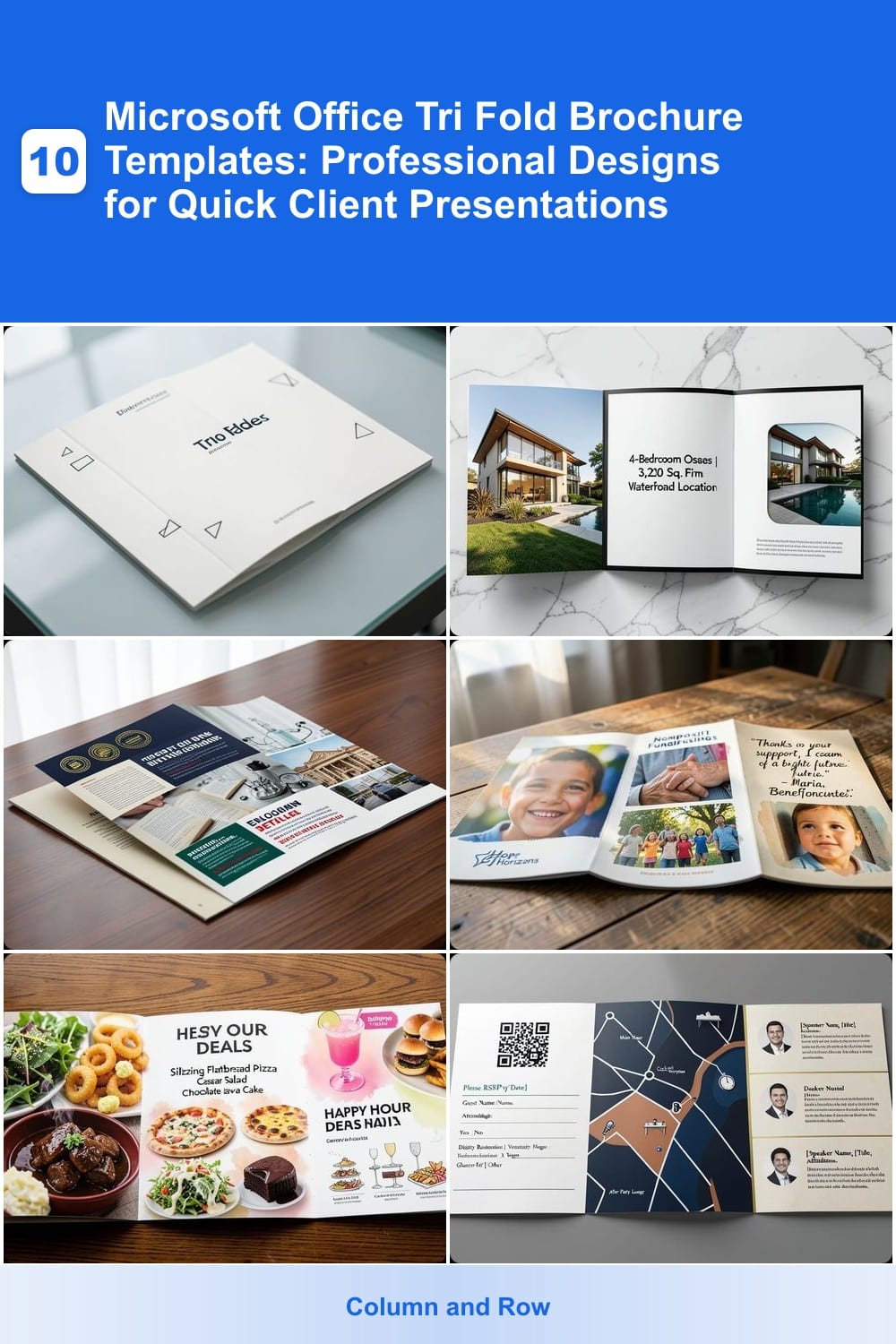
First impressions matter—especially in business—and this Modern Corporate Tri Fold Brochure delivers a polished, professional look with minimal effort. Designed for executives, consultants, and marketing teams, it features a clean geometric layout that balances white space, minimalist icons, and strategic placement for logos, services, and contact details.
The template includes pre-formatted sections for executive summaries, client testimonials, and service highlights, all aligned with a dark blue and white color scheme that screams credibility. Built for Microsoft PowerPoint, it integrates seamlessly with your existing branding assets—simply drag and drop your logo, adjust the text boxes, and apply your company’s typography via the Design tab for instant professionalism.
Perfect for pitch decks, client onboarding, or trade show handouts, this template ensures your materials stand out without requiring design expertise. ⚡
Real Estate Property Showcase Template
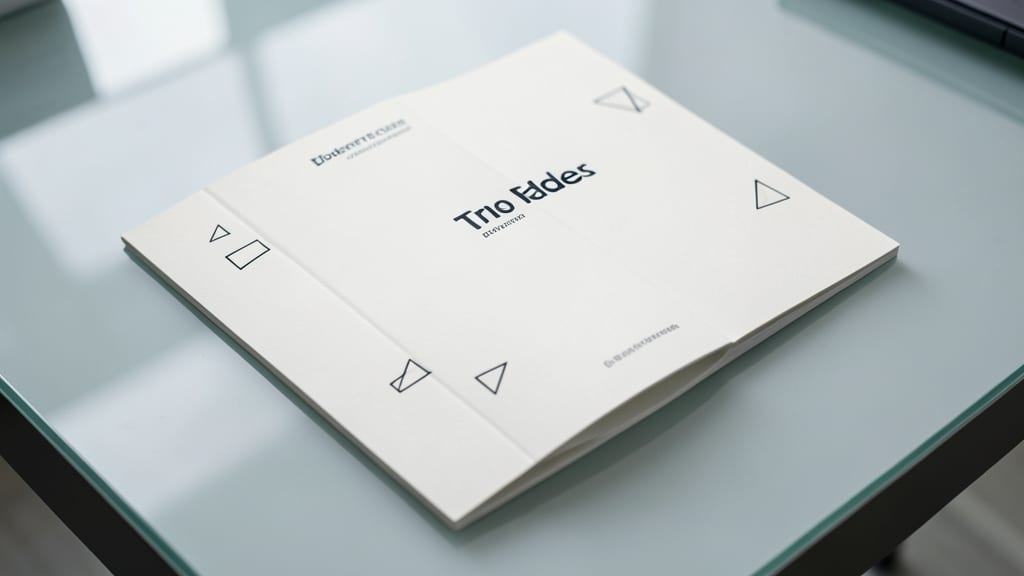
Tired of generic property listings that blend into the crowd? This Real Estate Property Showcase Template transforms listings into visually compelling tri-folds that sell homes faster. Designed specifically for agents, it features hero image sections for high-resolution property photos, interactive floor plan diagrams, and dedicated spaces for neighborhood highlights and virtual tour links.
The template includes pre-sized call-to-action buttons for open house sign-ups and contact details, ensuring every brochure drives engagement. With a neutral color palette and professional typography, it adapts seamlessly to luxury condos or family homes alike—simply swap in your MLS photos and property details. Built for Microsoft Publisher, it includes print-ready bleed margins and fold guides for perfect results every time.
Perfect for agents who want to stand out at open houses or leave lasting impressions with buyers. This template turns static listings into dynamic sales tools with minimal effort. ✨
Educational Institution Tri Fold Flyer
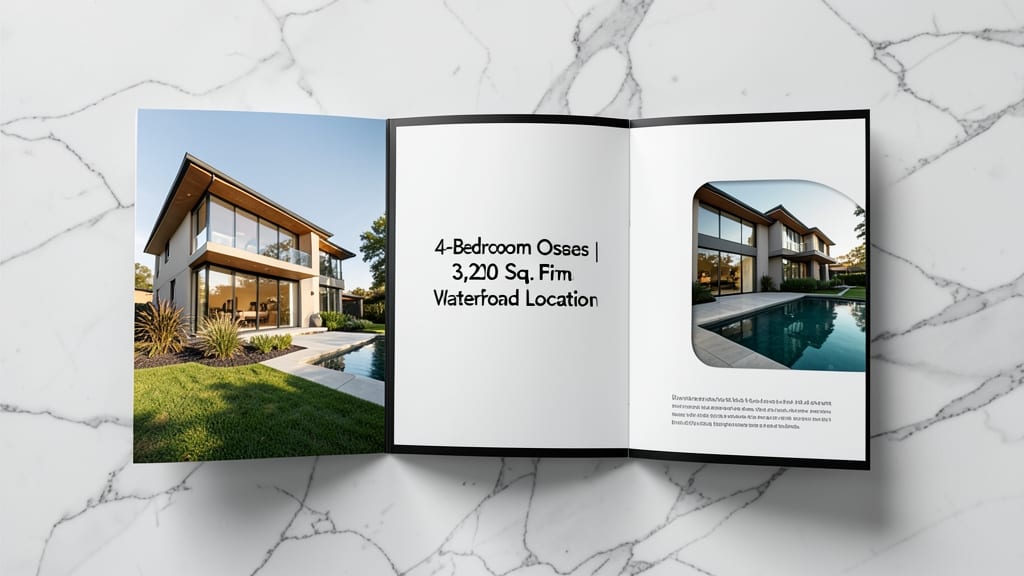
Elevate your school’s recruitment materials with this academic-focused tri-fold template, tailored specifically for universities and colleges. Designed with accreditation badge placeholders, program highlight sections, and enrollment deadline callouts, it ensures your institution’s credibility shines while keeping key information front and center.
The template features a soothing institutional color palette (think deep blues, golds, and creams) that aligns with most university branding, plus pre-formatted sections for faculty bios, campus amenities, and financial aid details. Simply insert your official seal and academic icons using Microsoft’s built-in shapes tool—no design skills required.
Perfect for admissions offices, continuing education programs, or community outreach initiatives, this template helps you convert prospects into applicants with professional, trust-building visuals. ⚡
Nonprofit Fundraising Campaign Brochure
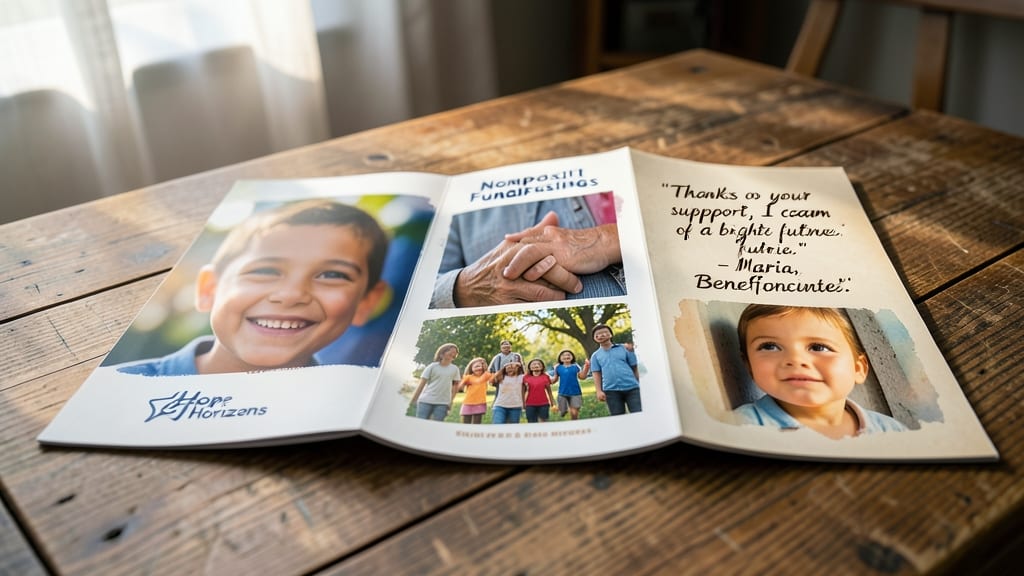
Move hearts and minds with this Nonprofit Fundraising Campaign Brochure, designed to maximize emotional connection and action. The template includes dedicated sections for storytelling impact with beneficiary photos and testimonials, ensuring your mission resonates instantly.
Key features include high-contrast donation callouts with progress bars to visualize fundraising goals, plus volunteer recruitment areas with clear action steps. The warm color palette and bold typography guide the reader’s eye to key messages, while pre-formatted sections make it easy to add your organization’s logo and impact statistics.
Perfect for nonprofits, community groups, or activists looking to create urgency and clarity in their outreach. This template turns passive readers into engaged supporters with just a few clicks. ✨
Restaurant Menu and Promotion Brochure
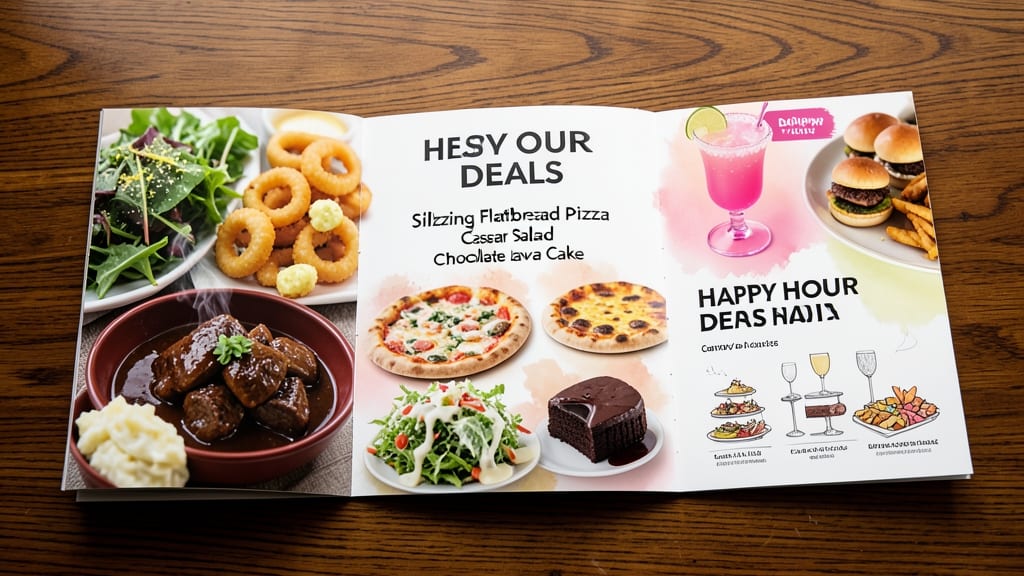
Turn your restaurant’s seasonal specials and daily menu into eye-catching tri-fold brochures that guests will actually keep. This template merges appetizer, entrée, and dessert sections with a dedicated promotions panel—ideal for highlighting happy hour deals, chef’s specials, or catering packages in one compact design.
Designed for Microsoft Publisher, it includes pre-formatted text boxes for dish descriptions, pricing, and reservation details. The foldable layout ensures high-quality printing on standard 8.5x11" paper, while the elegant typography keeps your branding polished. Add your logo, menu photos, and seasonal graphics with drag-and-drop ease—no design skills required!
Perfect for cafés, bistros, and catering businesses looking to boost walk-in traffic or event bookings. 💡
Event Planning and Invitation Template
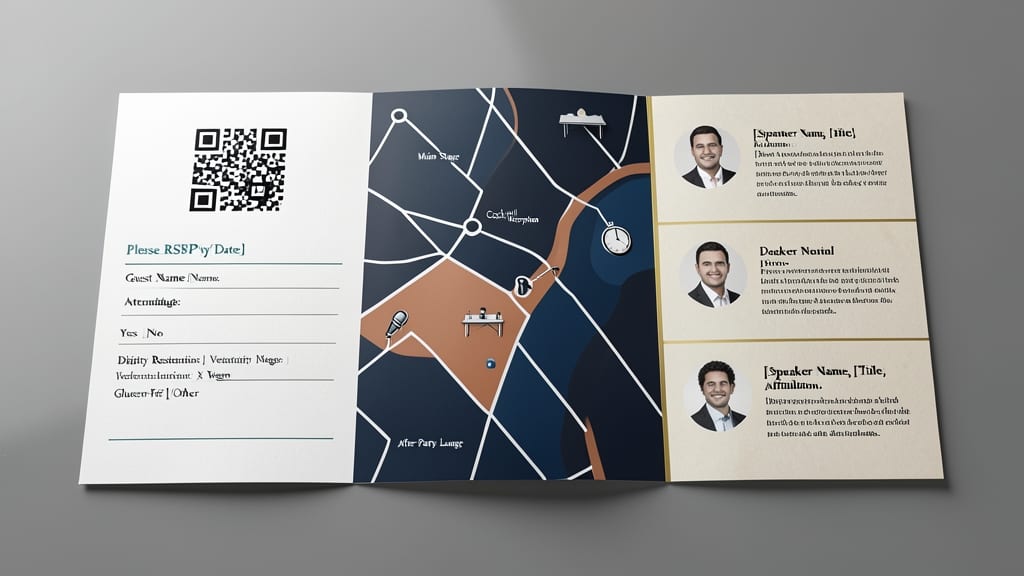
Planning an event but drowning in scattered details? The Event Planning and Invitation Template consolidates everything—RSVP sections with QR codes, interactive venue maps, and speaker bio panels—all in a cohesive tri-fold design. No more juggling separate documents; this template keeps guests informed while maintaining a polished, professional look.
With pre-built event color schemes (corporate blue, vibrant teal, or elegant gold), you can instantly match your brand or theme. The timeline infographic section lets you highlight key moments, while the dedicated registration form streamlines attendee sign-ups. Simply swap in your event logo, photos, and details—no design skills required.
Perfect for conference organizers, wedding planners, or corporate trainers who need to communicate event logistics clearly and professionally. 💡
Product Catalog Showcase Template
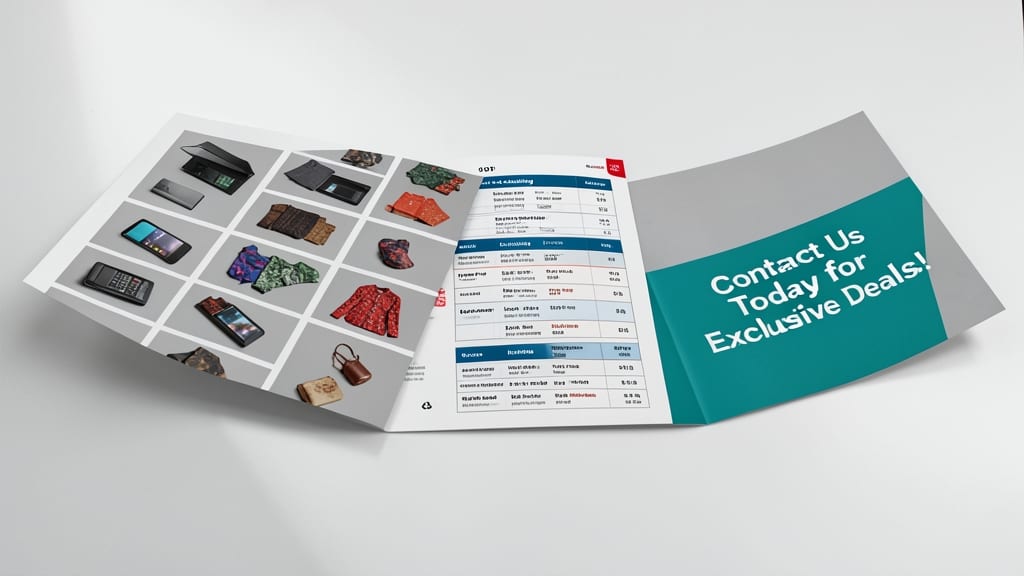
Struggling to turn your retail inventory into eye-catching print materials? The Product Catalog Showcase Template transforms product lists into high-conversion brochures with pre-built layouts that retail pros swear by. This template includes modular product grids, auto-calculating pricing tables, and promotional banner placeholders—all designed to highlight bestsellers and seasonal deals.
Simply drag-and-drop your product images into the responsive 3x3 grid, adjust the dynamic pricing table with built-in formulas, and add your store’s color scheme via the Design tab. The template even includes call-to-action buttons for in-store visits or online purchases, ensuring your catalog drives traffic—not just displays products.
Perfect for small boutiques, e-commerce brands, or seasonal pop-up shops needing print-ready materials that convert browsers into buyers. ✨
Healthcare Service Provider Brochure
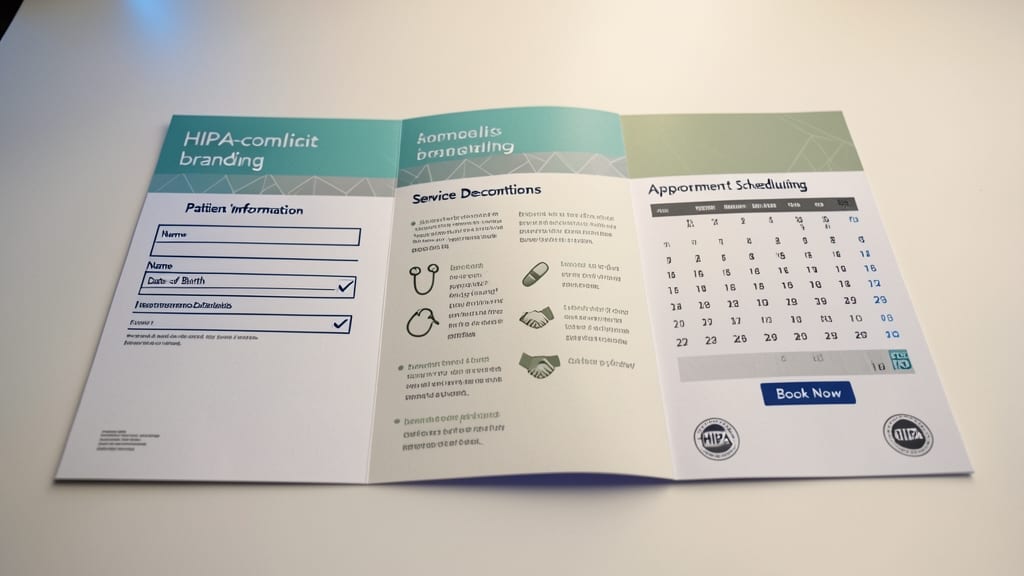
If patient trust and compliance are your top priorities, this HIPAA-compliant healthcare brochure template is designed specifically for medical professionals. It includes dedicated sections for patient information, service descriptions, and appointment scheduling—all while maintaining strict privacy standards.
The template features pre-formatted fields for insurance details, provider credentials, and service offerings, ensuring you meet regulatory requirements without legal risks. With customizable color schemes (blue and teal dominate for trust) and icon placeholders for medical services, you can quickly populate it with your practice’s branding and contact details. The fold design naturally guides patients through key information points.
Perfect for clinics, dentists, and specialists who need to present services clearly while prioritizing patient confidentiality. ✨
Creative Agency Portfolio Tri Fold
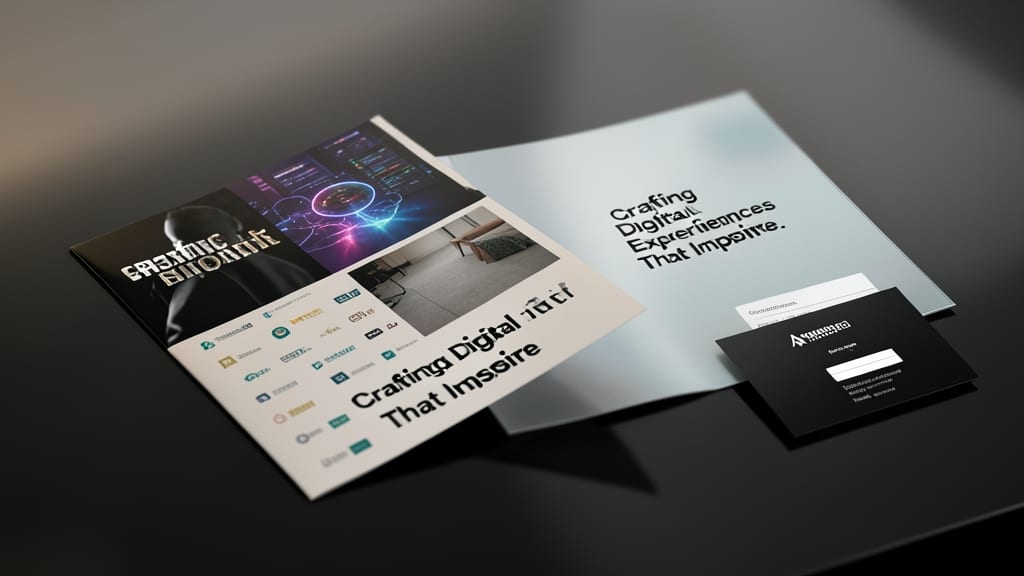
Stand out from competitors with a Creative Agency Portfolio Tri Fold designed to highlight your best work in bold style. This template features dedicated sections for case study mockups, a client logo grid, and a sleek contact panel—all optimized to showcase your creative expertise while keeping branding front and center.
The layout includes three vibrant color schemes (choose from bold gradients, minimalist neutrals, or high-contrast accents) and pre-sized image placeholders for project thumbnails. Add your portfolio pieces directly from PowerPoint’s insert image tools, and use the built-in text styling options to emphasize key services like branding or web design.
Perfect for freelancers and agencies looking to impress clients at pitch meetings or trade shows. The foldable design ensures your work gets noticed without sacrificing professionalism. ✨
Customizable Blank Tri Fold Template
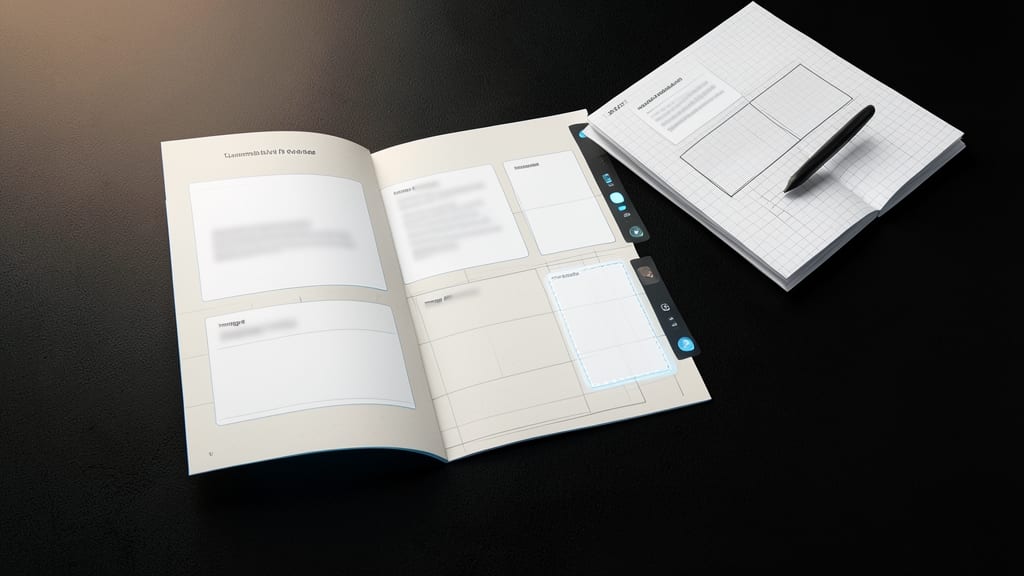
When your brand’s identity or presentation needs don’t fit any pre-made template, the Customizable Blank Tri Fold Template is your blank canvas. Unlike rigid designs, this template offers fully editable text boxes, image placeholders with adjustable sizing, and a modular grid system that adapts to logos, icons, or custom graphics—no design skills required.
Built for Microsoft PowerPoint and Publisher, it includes pre-set fold markers to ensure perfect alignment when printed, plus bleed-safe margins for professional printing. The neutral color palette lets you apply your brand’s exact hues, while the resizable sections accommodate everything from bullet-point lists to high-res imagery—ideal for startups, freelancers, or teams with unique branding needs.
Perfect for one-off projects where standard templates fall short, like custom product launches or niche service promotions. ⚡