
PowerPoint
High school students looking to boost their grades and portfolios need projects that showcase Microsoft Office skills while saving time. These 10 creative projects will help you master PowerPoint, Excel, and Word—all while creating impressive work that stands out to teachers and college admissions officers.
Interactive Science Experiment Presentation

Struggling to explain complex physics or chemistry concepts in class? An Interactive Science Experiment Presentation lets you blend PowerPoint animations with live Excel graphs to turn abstract data into visual stories. Instead of static slides, you can animate experiment setups (like a pendulum swinging or chemical reactions unfolding) while embedding real-time Excel charts that update as you present.
Start by recording your experiment data in Excel, then use PowerPoint’s "Link to Excel" feature to embed dynamic graphs that auto-update when you modify the spreadsheet. Add animations to highlight key moments (e.g., a gas expanding in a container) and trendline forecasts to predict outcomes. The result? A presentation that feels like a mini science demo, not just a slideshow—perfect for impressing teachers who value both creativity and technical skills.
This project is a game-changer for AP Physics, Chemistry, or STEM fair participants, proving you can merge data analysis with storytelling. Plus, it’s a skill that colleges and future employers will notice. ⚡
Yearbook Layout Design Using Publisher
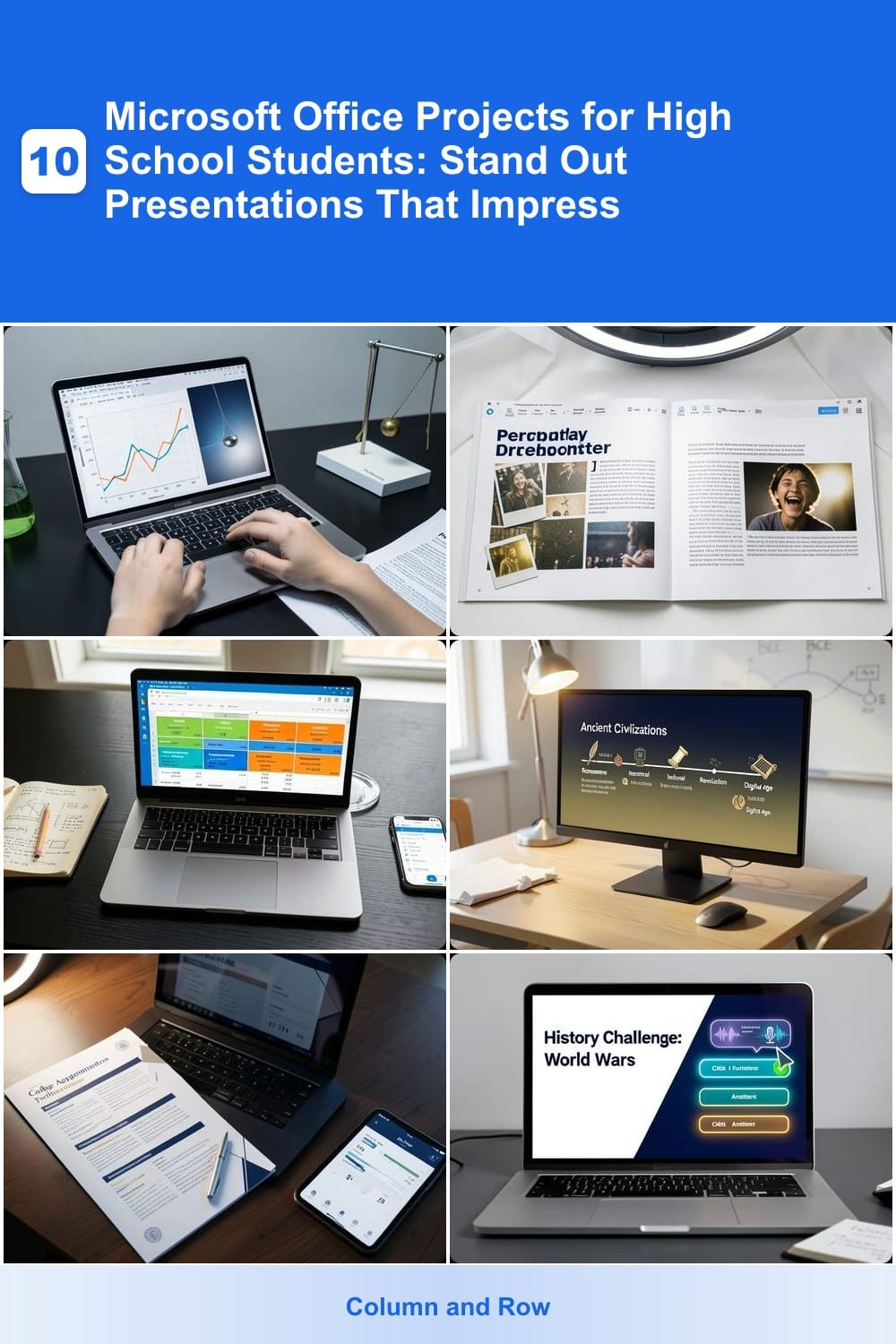
Want to turn your school memories into a professional yearbook mockup while mastering design fundamentals? Microsoft Publisher lets you create magazine-style layouts with drag-and-drop ease—no coding required. This project teaches you how to balance typography, imagery, and white space, skills that translate directly to journalism, graphic design, or marketing portfolios.
Start with Publisher’s built-in yearbook templates, then customize with photo grids, decorative borders, and color schemes that reflect your school’s vibe. Use text boxes with drop shadows for headlines and aligned image frames to create visual flow. For extra polish, add pull-quotes (highlighted student quotes) and gradients to section dividers—features that make your mockup look like a pro-designed publication.
Perfect for journalism, yearbook, or design classes, this project proves you can blend creativity with technical skills. Teachers love how it demonstrates attention to detail and visual storytelling—key traits for future careers in media or design. ✨
Personal Finance Budget Tracker in Excel
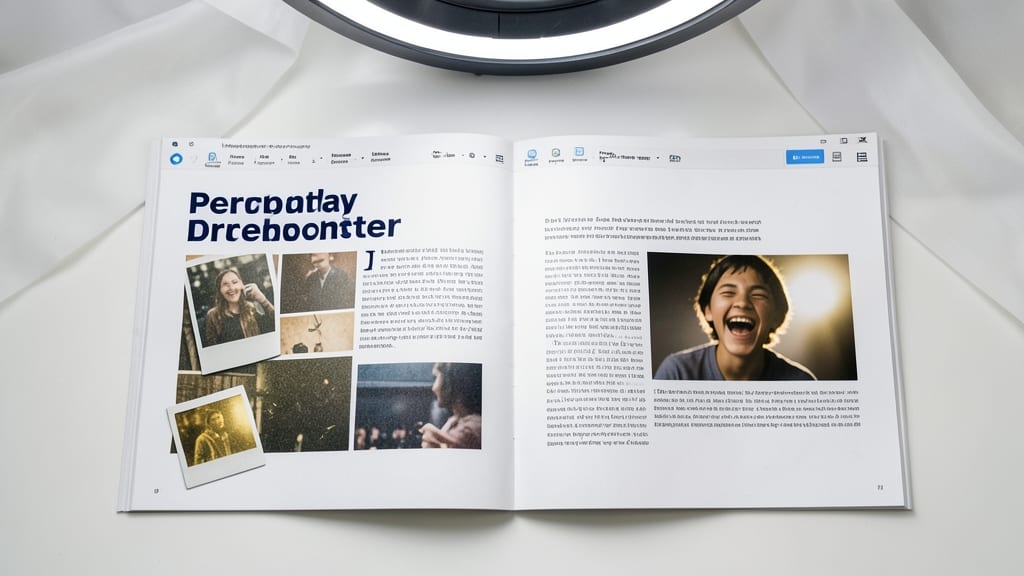
Tired of guessing where your allowance goes? Build a Personal Finance Budget Tracker in Excel that actually helps you manage money—and impresses teachers with real-world skills.
Start with a color-coded monthly breakdown of income vs. expenses, then add dynamic formulas to auto-calculate totals. Use pivot tables to analyze spending trends, and apply conditional formatting to highlight overspending in red. Bonus: Add a pie chart to visualize where your money goes most. This project teaches formulas (SUMIF, VLOOKUP), data analysis, and professional presentation—skills that translate directly to college and careers.
Perfect for business or economics students (or anyone who wants to stop living paycheck-to-paycheck). 💻
Historical Timeline Infographic in PowerPoint

Drowning in history notes that feel like a jumbled pile of dates? A PowerPoint timeline infographic turns dry facts into a visually compelling story—perfect for social studies students who want their presentations to stand out.
Start with PowerPoint’s Morph transition for smooth animations between events, then use smart art shapes to create a vertical timeline. Add period-appropriate icons (think crowns for monarchs or quills for declarations) and color-code eras for instant clarity. Free templates like "Timeline" from Office’s design gallery make setup a breeze—just drag, drop, and customize.
This project isn’t just eye-catching—it’s a teacher-approved way to demonstrate research skills while making history feel dynamic. Ideal for students who love storytelling but struggle with traditional note-taking. ✨
College Application Portfolio in Word

Standing out in college applications isn’t just about grades—it’s about presentation. A College Application Portfolio in Word lets you organize essays, recommendation letters, and transcripts into one sleek, professional document that admissions officers will notice.
Start with a customizable template featuring tabbed sections for personal statements, teacher recommendations, and standardized test scores. Use Word’s built-in styles to maintain consistency, and embed hyperlinks to digital copies of awards or projects. The table of contents generator automatically updates as you add new materials, saving hours of manual formatting.
This project is perfect for juniors and seniors applying to competitive programs. It demonstrates your ability to organize complex information while showcasing your writing and design skills—all in a tool admissions officers already use. ✨
Virtual Classroom Quiz Game in PowerPoint
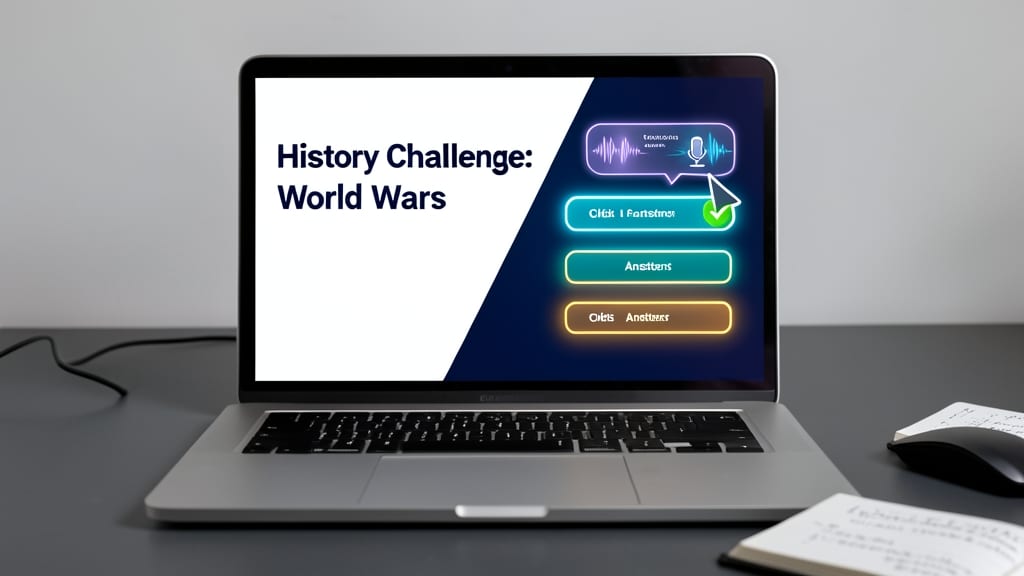
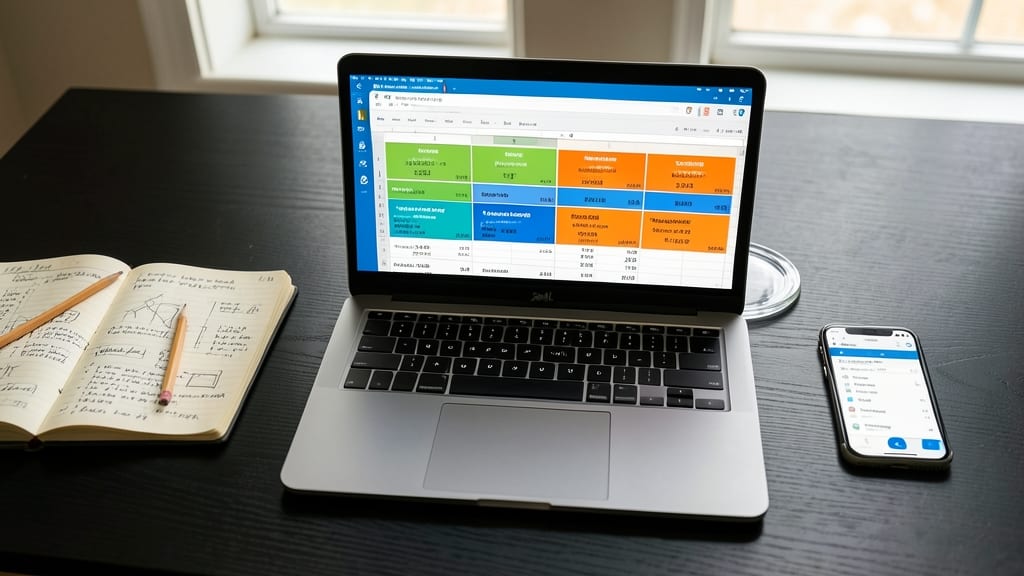
Turn your PowerPoint slides into an interactive quiz game that tests knowledge while keeping students engaged. This isn’t just another slide deck—it’s a multimedia experience with clickable answers, instant feedback, and embedded audio for sound effects or voice narration. Perfect for tech-savvy students who want to showcase creativity beyond static slides.
Start by designing multiple-choice questions with hyperlinks to correct/incorrect slides. Add embedded audio clips (like applause for right answers or "try again" sounds) using the Insert > Audio tool. For extra flair, use animations to reveal answers dramatically. The best part? You can track scores with hidden slides that tally correct responses automatically.
This project is ideal for computer science or tech education classes, but also works for any subject needing interactive review. Teachers love it because it proves you’ve mastered multimedia integration—a skill that stands out on college applications. ✨
Environmental Impact Report with Excel Charts
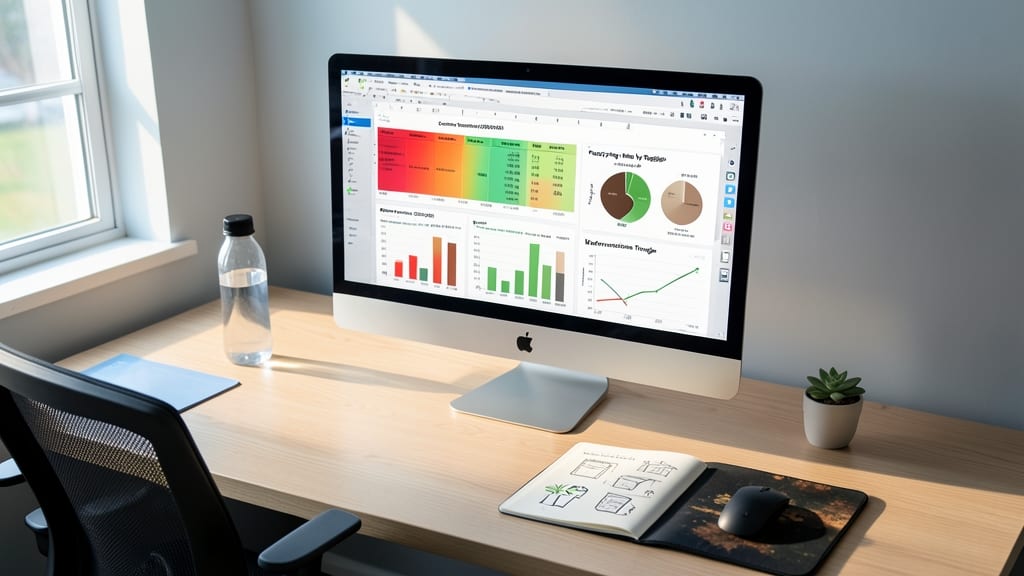
Turn your environmental research into a polished, data-driven presentation with an Environmental Impact Report built in Excel. This project lets you showcase your analytical skills by transforming raw data—like carbon footprints, recycling rates, or deforestation trends—into clear, visually compelling charts and dashboards.
Start by gathering data from sources like EPA reports or school science experiments, then use Excel’s pivot tables to organize metrics. Add comparative bar charts to highlight trends (e.g., plastic waste over time) and pie charts to break down percentages (e.g., energy sources). For extra polish, embed trendline forecasts to predict future impacts—teachers love forward-thinking analysis!
Perfect for AP Environmental Science students or science fair projects, this report proves you can turn numbers into a story. Plus, it’s a great way to practice data literacy, a skill colleges and future employers value. ✨
Book Report with Embedded Audiobook Clips

Tired of reading the same book report over and over? Bring your analysis to life by embedding audiobook clips directly into your presentation. This project combines the depth of a Word document with the engagement of PowerPoint multimedia—perfect for English students who want to showcase literary analysis in a dynamic way.
Start by writing your analysis in Word, then import it into PowerPoint as a slide. Use the Insert > Audio feature to embed short clips (30-60 seconds) from the audiobook, syncing them to key moments in your analysis. Highlight themes with visual annotations—like character timelines or quote callouts—while the audiobook narrator brings the text to life. This dual approach lets you demonstrate critical thinking and technical skills in one project.
Ideal for students analyzing classic literature or modern novels, this project stands out in class discussions and portfolios. Teachers love how it proves you understand the text and can present it creatively. ✨
School Event Planning Calendar in Outlook
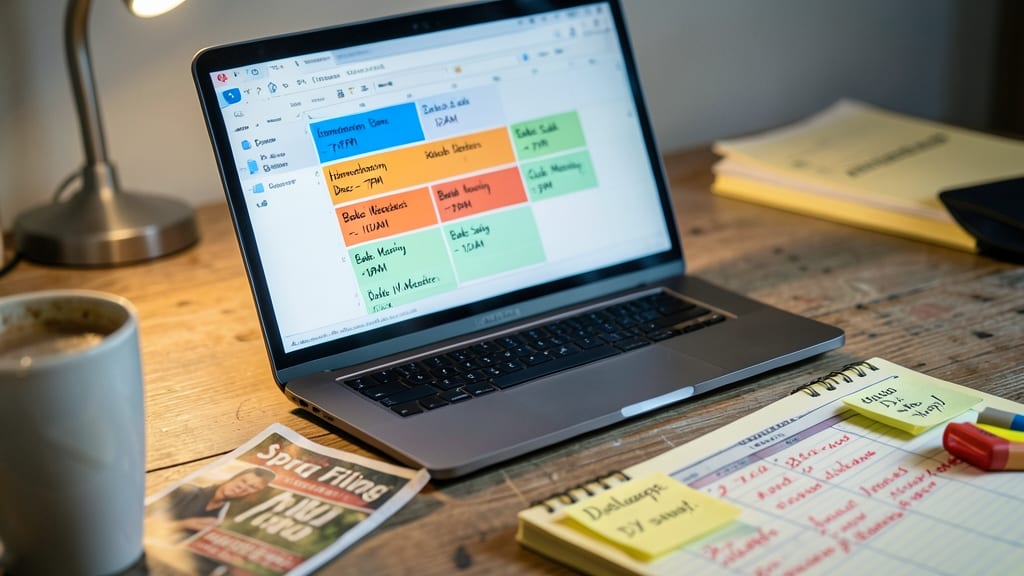
If you’ve ever juggled a school dance, fundraiser, or club meeting, you know how quickly schedules spiral out of control. Outlook’s event planning calendar turns chaos into clarity—teaching you how to organize, delegate, and execute like a pro, all while building a skillset valued in hospitality, business, and student leadership.
Start by creating a shared calendar for your student council or club, using color-coded categories (e.g., blue for meetings, green for deadlines, red for conflicts). Add recurring events for weekly meetings and reminders with attachments (like permission slips or venue contracts) to streamline workflows. The Outlook mobile app syncs in real-time, so you’re never caught off-guard—whether you’re planning a pep rally or a charity auction.
This project is ideal for student council members, future hospitality majors, or anyone eyeing event coordinator roles. It’s the perfect way to showcase organization, teamwork, and tech-savviness—skills that impress teachers and future employers. ✨
Digital Resume with LinkedIn Integration
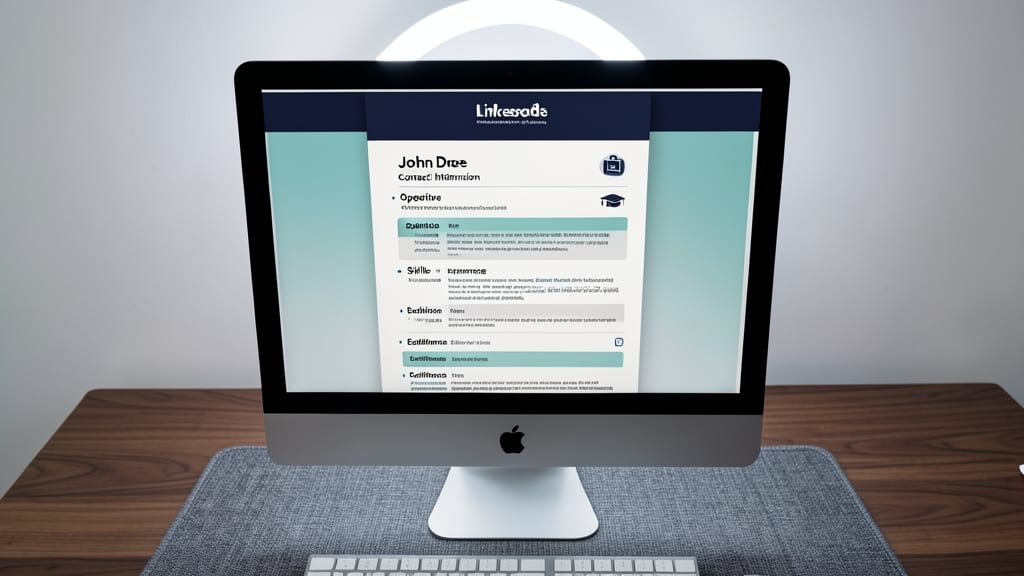
Standing out in job applications starts before college—with a digital resume that proves you can use Microsoft Office like a pro. This project isn’t just about formatting; it’s about creating a LinkedIn-ready resume that showcases your skills while demonstrating mastery of Word’s advanced features.
Start with a modern, clean template (use Word’s built-in resume designs or customize one from Canva). Add hyperlinks to your LinkedIn profile, embedded skills badges (like Microsoft Office Specialist certifications), and a skills section with progress bars (created using Word’s shapes and formatting tools). Save it as a PDF for universal compatibility, then upload it to LinkedIn to sync your online presence. This project teaches you professional formatting, hyperlinking, and file optimization—skills recruiters notice.
Perfect for career tech or business students, this resume project doubles as a portfolio piece for internships. Showcase it to teachers or career counselors to get feedback before applying to jobs. ✨