
Software
Mastering Microsoft Access opens doors to powerful database management without breaking the bank. These ten completely free online courses—ranging from absolute beginner basics to certification prep—help you build real-world skills without a single dollar spent.
Microsoft Access Beginner Tutorial by LinkedIn Learning
If you learn best by watching experts work through problems step-by-step, LinkedIn Learning’s Microsoft Access Beginner Tutorial is your perfect starting point. This official course breaks down database fundamentals into bite-sized video modules, making complex concepts like relationships, queries, and forms feel intuitive rather than overwhelming.
You’ll dive into hands-on exercises covering everything from designing tables to creating interactive forms, all while following along with screen recordings of real Access projects. The course includes downloadable practice files so you can experiment without starting from scratch. With over 3 hours of structured content, it’s designed to fit into busy schedules—ideal for professionals or students who need flexibility.
Best for visual learners or anyone who thrives with guided video instruction, this course is a zero-cost way to build confidence before tackling more advanced tools. 💡
Free Microsoft Access Course by Udemy
Tired of watching tutorials where you learn about databases but never build one? Udemy’s free Microsoft Access course flips the script by giving you downloadable exercise files and real-world projects from day one. Unlike passive video lessons, this course forces you to apply skills immediately—whether you’re designing a customer tracking database or automating a simple inventory system.
The course breaks down complex tasks into bite-sized, project-based modules, starting with creating tables and relationships before moving to queries, forms, and reports. What makes it stand out is the hands-on approach: each lesson includes a downloadable Access file where you can practice alongside the instructor, tweak the design, and see results instantly. No fluff, no theory-heavy lectures—just actionable, scenario-based learning that mirrors real database challenges.
This is the perfect fit for doers—whether you’re a small business owner testing Access for the first time or a student who learns by building. The course’s zero-cost access and Udemy’s reputation for practical training make it a standout for learners who want to skip the theory and start creating. 💪
Microsoft Access Basics by GCF Global
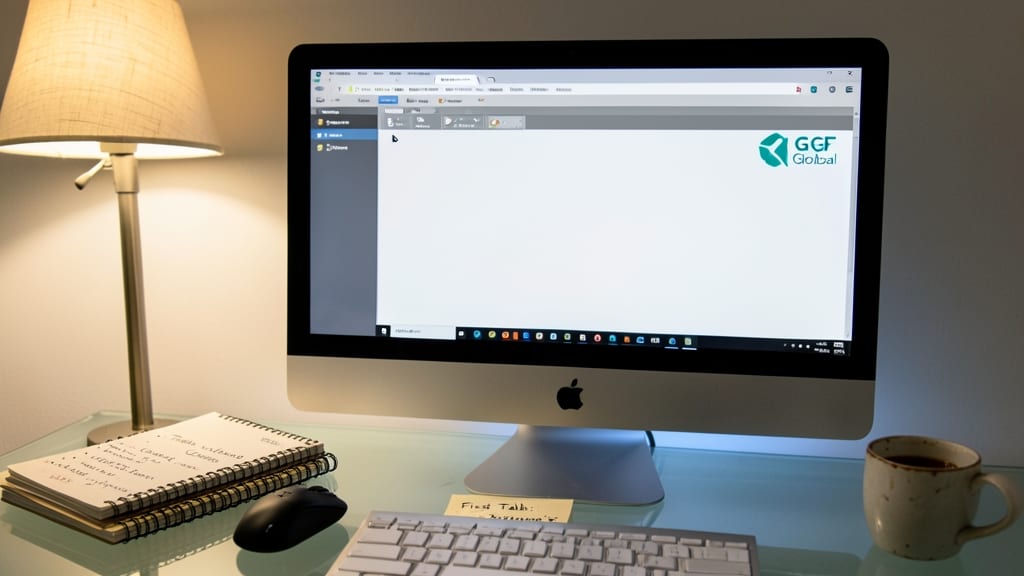
Stuck staring at a blank Access window with no idea where to start? GCF Global’s Microsoft Access Basics is your safety net—built by a nonprofit specifically for total beginners, this course removes all intimidation factors with zero prerequisites.
You’ll learn by doing: creating your first table in under 10 minutes, designing forms without writing code, and even building simple reports that actually look professional. The course includes interactive exercises where you apply concepts immediately, plus downloadable practice files to experiment with. What sets it apart is the patient, visual approach—think screen recordings with clear annotations rather than dense text.
Perfect for small business owners, students, or career switchers who need a gentle introduction before tackling more advanced tools. The course’s nonprofit backing ensures it stays completely free with no hidden paywalls. 💻
Microsoft Access Tutorial for Beginners by YouTube (Microsoft Official)
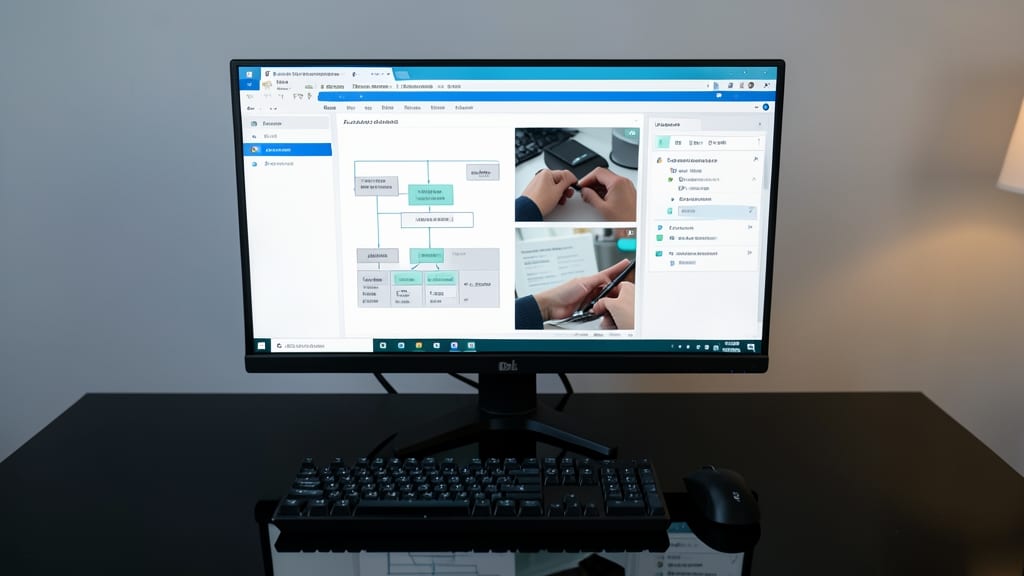
Stuck watching tutorials that tell you how to build databases instead of showing you? Microsoft’s official YouTube video series bridges that gap with real-time screen recordings of live Access projects—no fluff, just hands-on demonstrations you can follow along with.
The series covers everything from creating a customer database to designing interactive forms and generating professional reports, all while walking through the exact steps in Access 2016+. Each video includes downloadable project files so you can pause, experiment, and tweak the examples without starting from scratch. The step-by-step narration makes complex tasks—like writing queries or setting up relationships—feel intuitive rather than overwhelming.
This is the perfect fit for visual learners or anyone who prefers learning by watching experts work through problems in real time. If you’ve ever wanted to see how a query is built before trying it yourself, this series delivers exactly that—zero setup required. ✨
Free Access Certification Prep by Coursera

Looking to earn a Microsoft Access certification without spending a dime? Coursera’s free specialization offers a structured path with built-in assessments, including quizzes and peer-graded assignments, to test your knowledge as you progress.
This program covers database fundamentals, queries, forms, and reports, with hands-on projects to reinforce learning. The peer-review system ensures you get real-world feedback, mimicking the rigor of paid certification prep. Best of all, you can audit the course for free—or pay a small fee later to earn a Coursera certificate (optional).
Ideal for career-driven learners or those preparing for Microsoft’s Access Specialist exam, this course bridges the gap between theory and practical application. 💡
Microsoft Access for Data Analysis by Khan Academy
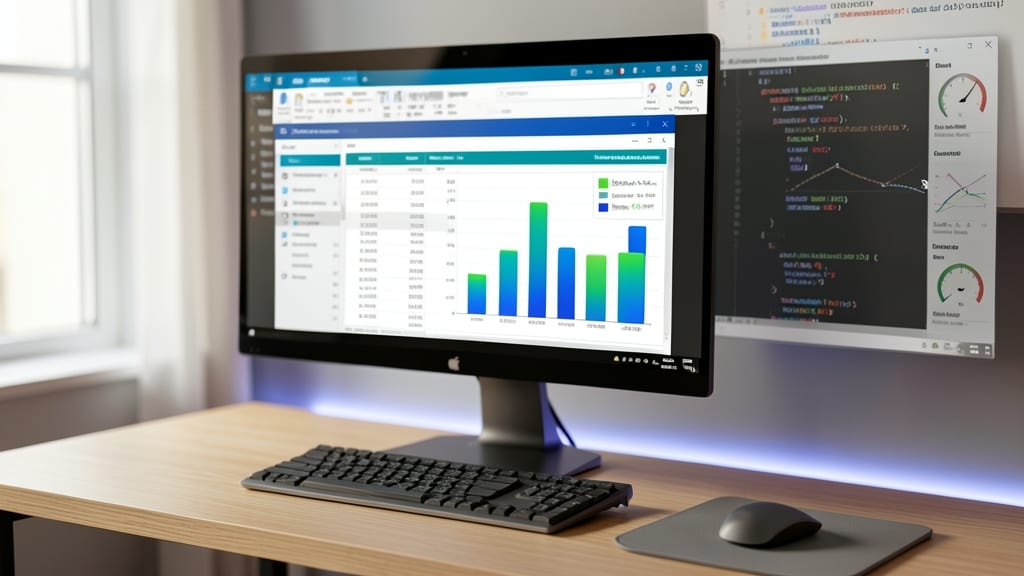
Need to turn raw data into actionable insights but don’t want to wrestle with SQL? Khan Academy’s Microsoft Access for Data Analysis course bridges that gap with a focus on pivot tables, charts, and automated reports—all within Access’s intuitive interface.
You’ll learn to design dynamic dashboards from scratch, use parameter queries to filter data interactively, and generate professional-grade visualizations (like bar graphs and pie charts) that update automatically when your data changes. The course skips unnecessary fluff, zeroing in on the reporting and analytics features most professionals actually use daily.
Perfect for business analysts, marketers, or small-business owners who need to pull insights from databases but lack coding skills. No prior Access experience is required—just bring your curiosity! ✨
Free Access Training by Microsoft Docs
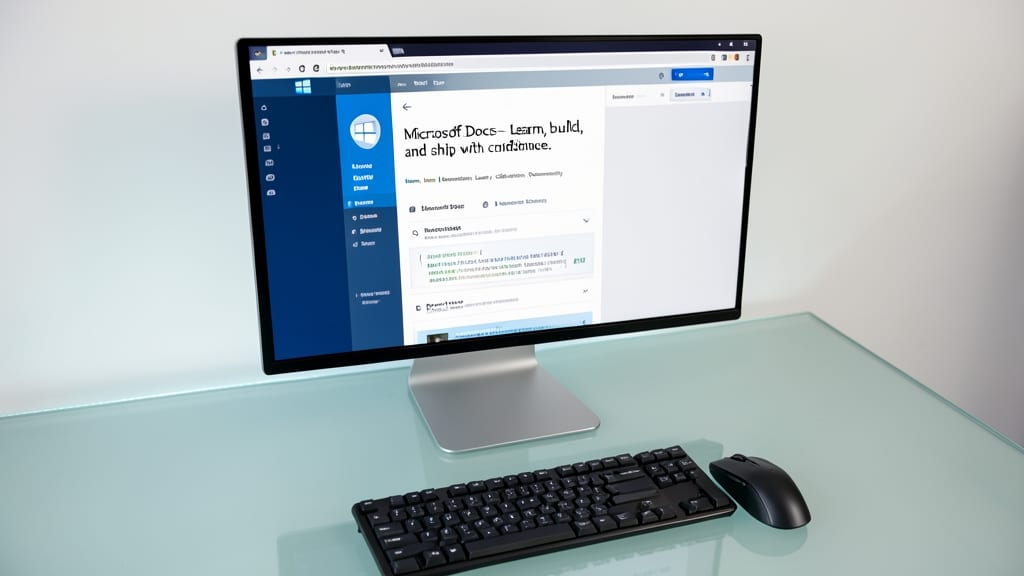
If you want Microsoft Access training straight from the source, look no further than the official Microsoft Docs platform. Unlike third-party courses, this resource offers directly updated content from the developers themselves, ensuring you learn the most current features and best practices.
The platform includes interactive tutorials that guide you through real-world scenarios, like designing databases, writing queries, and creating reports. You’ll also find troubleshooting guides for common issues, plus version-specific documentation for Access 2016, 2019, and 365. The content is organized by skill level, making it easy to jump into advanced topics once you’ve mastered the basics.
This is the go-to resource for professionals who need reliable, up-to-date training—especially if you’re preparing for Microsoft certifications or working with enterprise-level databases. 💻
Microsoft Access for Small Business by Alison
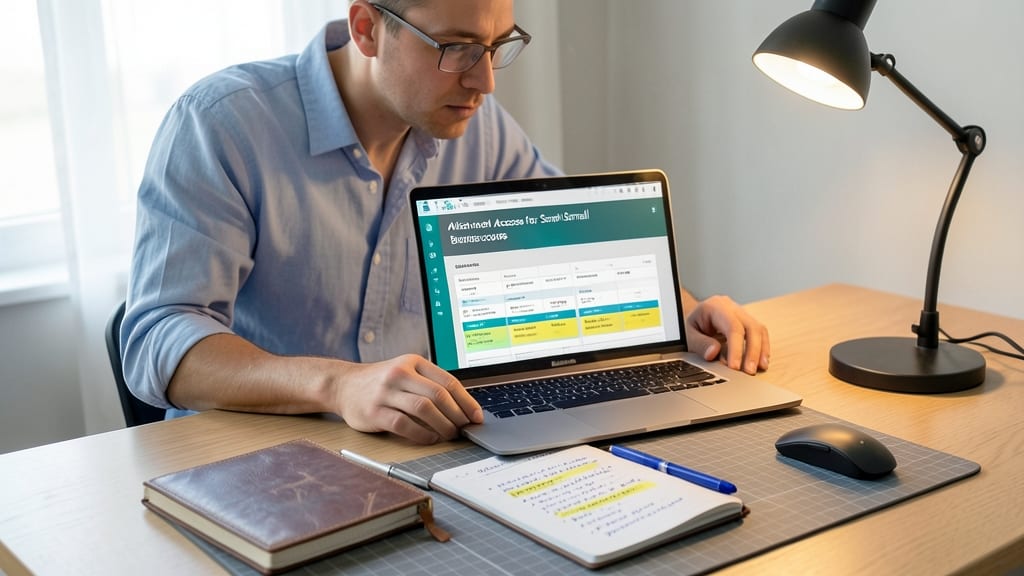
Running a small business doesn’t mean you need expensive software to streamline operations. Alison’s Microsoft Access for Small Business course shows you how to build custom databases for inventory tracking, customer management, and invoicing—all with tools you already have.
The course walks you through creating relational databases that connect tables (like Customers and Orders) to generate reports automatically. You’ll learn to design forms for data entry and use queries to pull real-time insights—no coding required. The free certificate upon completion adds credibility to your skills without costing a dime.
Perfect for solopreneurs, e-commerce sellers, or retail owners who want to ditch spreadsheets and automate repetitive tasks—like tracking stock levels or generating sales reports—while keeping costs low. 💪
Advanced Access Queries by Udacity’s Free Content
Ready to take your Microsoft Access skills beyond basic queries? Udacity’s free advanced content focuses on complex queries, macros, and VBA fundamentals—the tools that turn repetitive tasks into automated workflows.
You’ll learn to create parameterized queries for dynamic filtering, design custom macros to streamline processes, and write VBA scripts that integrate with other Office apps. The hands-on projects include building a real-world inventory system with automated alerts and validation rules.
This is ideal for intermediate users who’ve mastered the basics but want to build custom solutions—think accountants automating reports or small business owners creating self-updating dashboards. ✨
Microsoft Access Community Tutorials by Microsoft Tech Community
Stuck on a specific Microsoft Access challenge? The Microsoft Tech Community forums offer a goldmine of user-generated tutorials and real-world problem-solving threads—think of it as crowdsourced troubleshooting for niche scenarios.
Here, you’ll find step-by-step guides for tricky tasks like automating reports with VBA, optimizing queries for large datasets, or integrating Access with Power Automate. The community’s active discussions mean you’re likely to find solutions to edge cases you won’t encounter in standard courses. Plus, the upvoted threads highlight battle-tested setups. ⚡