
Software
Small businesses need powerful tools to stay organized, but expensive software isn’t always an option. These 10 free Excel templates help you streamline finances, manage projects, and track growth—all without breaking the bank or requiring advanced Excel skills.
Small Business Financial Statement Template
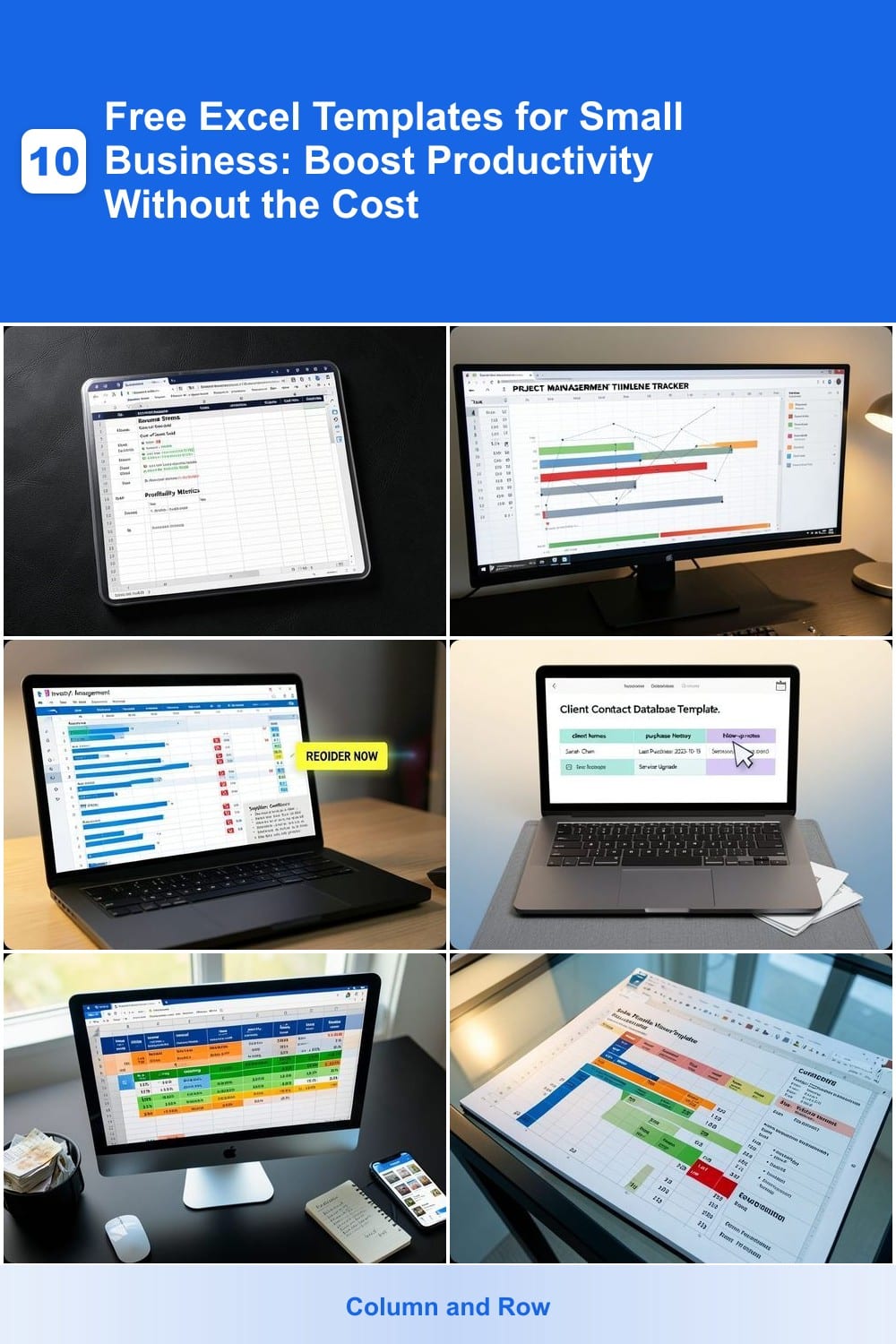
Tax season or investor meetings shouldn’t keep you up at night. This Small Business Financial Statement Template consolidates income, expenses, and profitability into one sleek, professional spreadsheet—no accounting degree required. Built with pre-formatted sections for revenue, cost of goods sold (COGS), and net profit, it automatically calculates key metrics like gross margin and operating expenses so you can spot trends instantly.
The template includes color-coded cells for easy scanning, monthly/quarterly/yearly views, and built-in formulas that update as you input data. Perfect for startups or freelancers, it even generates a summary dashboard for quick presentations. Works seamlessly with Excel 2010+ and Google Sheets for cloud collaboration.
Ideal for solopreneurs, consultants, or early-stage founders who need to impress investors or file taxes with confidence. Download it, plug in your numbers, and watch your financial clarity skyrocket—no spreadsheets required. ✨
Project Management Timeline Tracker
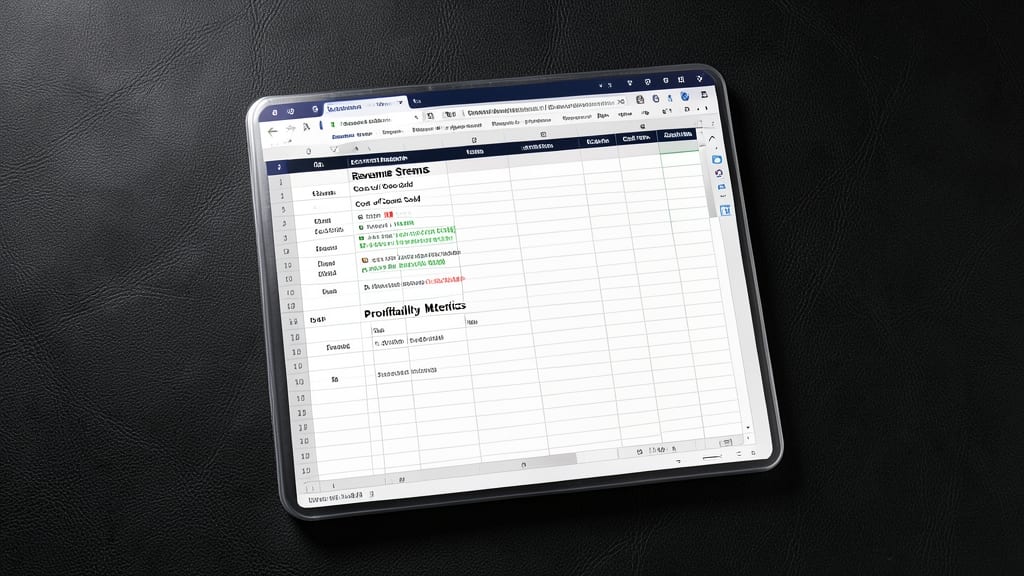
Juggling multiple projects with tight deadlines? This Project Management Timeline Tracker turns your to-do list into a visual roadmap—no fancy software required. Built with a Gantt-style chart, it lets you map out tasks, set dependencies, and track progress in real-time, all within Excel.
The template includes customizable start/end dates, progress bars, and milestone markers to highlight key deliverables. You can even adjust task durations or dependencies with a few clicks—no coding needed. Works seamlessly with Excel 2013+ and includes Google Sheets compatibility for cloud collaboration.
Ideal for freelancers, solopreneurs, or small teams managing multiple projects, this tracker keeps everything on schedule without the overhead of tools like Asana or Trello. ⚡
Inventory Management Spreadsheet
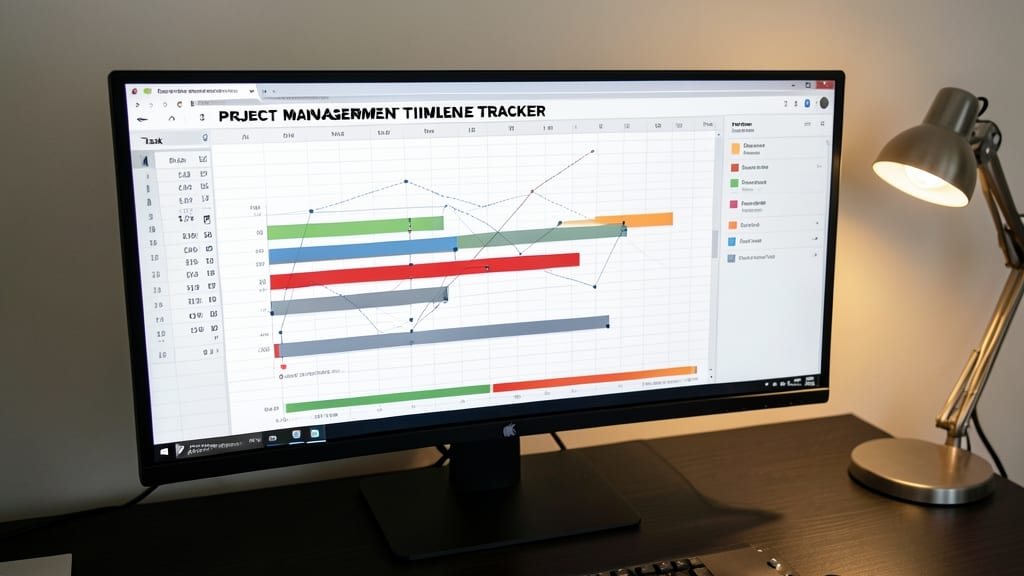
Running out of stock at the wrong time—or drowning in unsold inventory—can kill small business profits faster than you think. This Inventory Management Spreadsheet solves both problems with a single, dynamic tool that tracks real-time stock levels, sets automated reorder alerts, and logs supplier details in one place.
Built with color-coded low-stock warnings, barcode integration, and customizable reorder thresholds, it handles everything from physical retail shelves to digital e-commerce inventories. The template even includes a supplier contact section so you can place orders with a click—no more scrambling for vendor info during rush periods. Best of all, it works seamlessly in Excel 2016 and later, with Google Sheets compatibility for cloud collaboration.
Perfect for Etsy sellers, boutique owners, or Amazon FBA merchants who need to balance cash flow with customer demand. Just plug in your product details, and let the spreadsheet handle the rest—so you can focus on growing your business instead of counting inventory. 💪
Client Contact Database Template
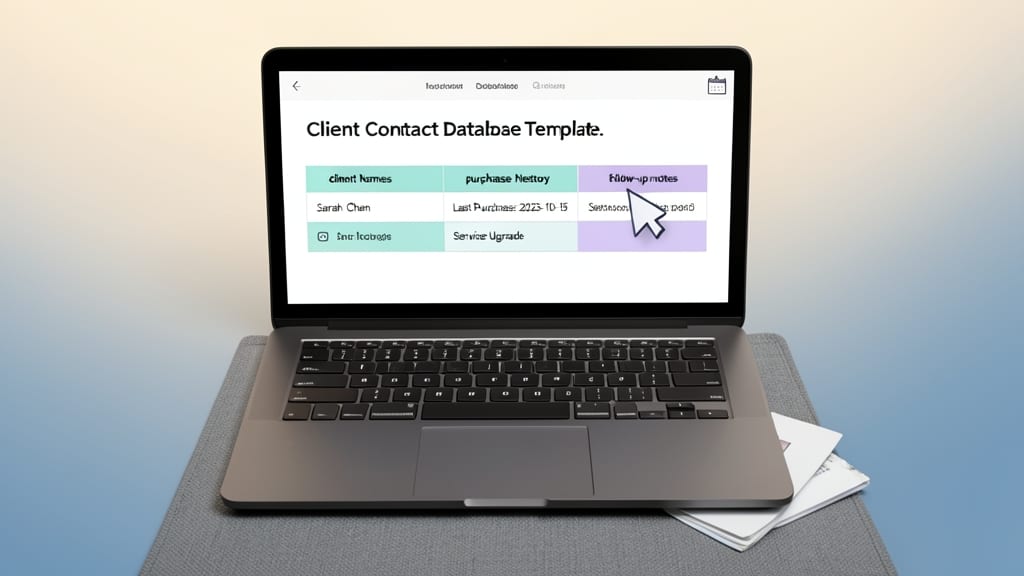
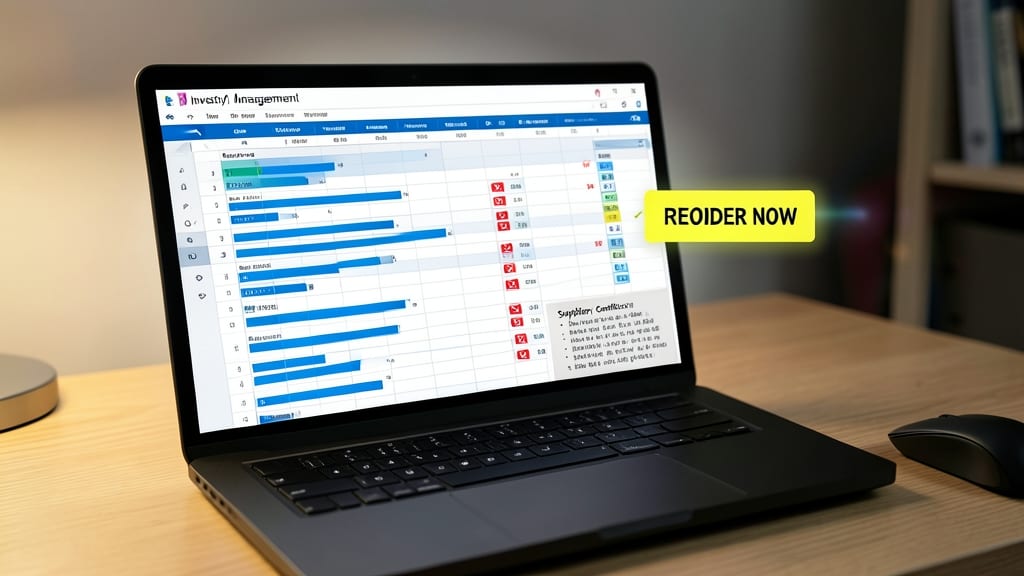
If you’ve ever lost track of a client’s last purchase or missed a follow-up call, this Client Contact Database Template is your game-changer. Designed for service-based businesses, it centralizes customer details, purchase history, and follow-up notes—so you can personalize every interaction and close more deals.
The template includes customizable fields for contact info, service history, and next-step reminders, with built-in filters to sort clients by activity or purchase date. Add color-coded tags (e.g., "VIP," "Pending") to prioritize leads effortlessly. Best of all, it syncs with Excel’s conditional formatting to highlight overdue follow-ups automatically.
Perfect for consultants, coaches, or subscription-based services where relationships drive revenue. No more scattered notes—just a single, searchable hub for client management. ✨
Expense Report Tracker with Categories
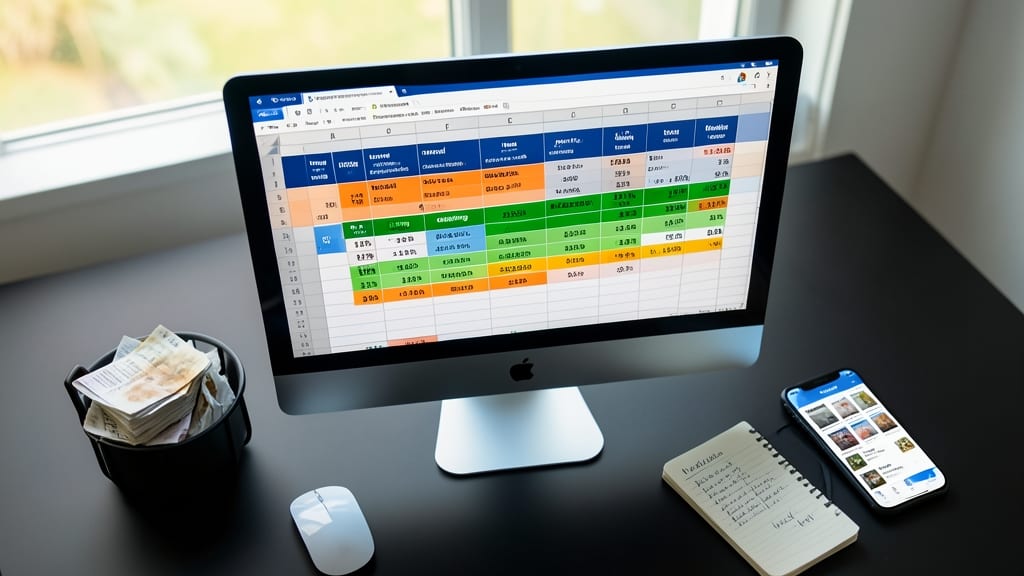
Say goodbye to receipt chaos and hello to automated expense tracking—this template categorizes every dollar spent (travel, office supplies, marketing) and calculates totals in seconds. No more digging through shoeboxes or guessing where your budget went.
Designed for remote teams or solo entrepreneurs, it includes pre-built formulas for monthly summaries, receipt upload fields, and even reimbursement calculations. The color-coded categories make budgeting visual, while the built-in tax deduction tracker ensures you’re ready for April 15th without panic.
Perfect for freelancers, consultants, or small teams who want to save hours on admin work while keeping finances crystal clear. 💡
Sales Pipeline Visualizer Template
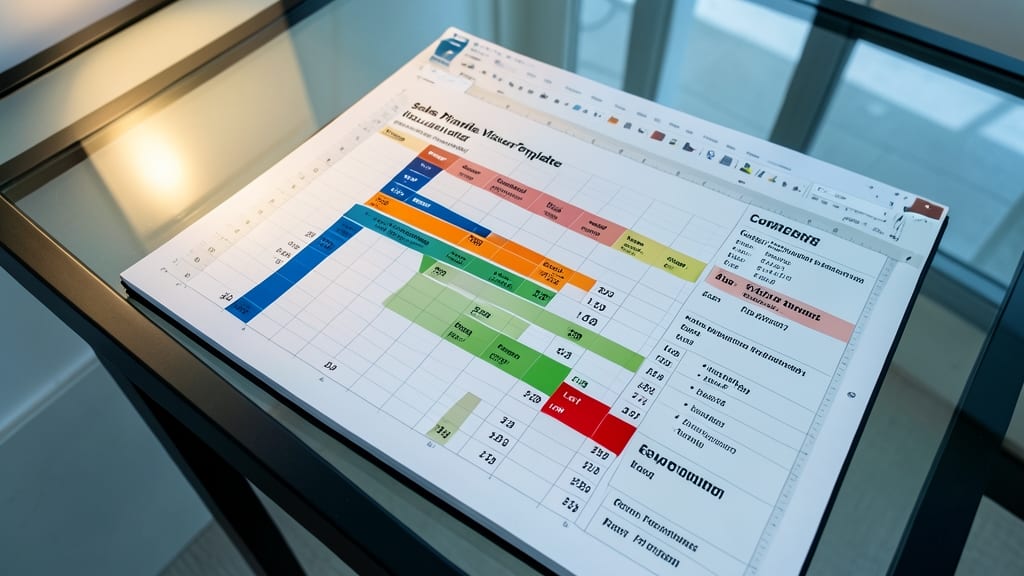
Turn raw leads into revenue with this Sales Pipeline Visualizer Template, designed to turn your chaotic sales process into a clear, actionable roadmap. Unlike generic CRM tools, this Excel-based system lets you track every deal stage—from Prospect to Closed Won—with intuitive color-coded progress bars that show exactly where opportunities stand.
The template includes five key stages (Prospect, Contacted, Proposal Sent, Negotiation, Closed) with built-in percentage completion tracking and notes fields for follow-ups. You can even add custom stages or adjust probabilities to match your sales cycle. The drag-and-drop interface makes it easy to move deals between stages, while automated pipeline value calculations give you real-time insights into your sales forecast.
Ideal for solopreneurs, real estate agents, or service providers who need a zero-cost, no-commitment way to organize their sales process, this template syncs seamlessly with Excel’s data tools for deeper analysis. Watch your conversion rates climb as you focus on high-potential leads! ✨
Employee Time Tracking Sheet
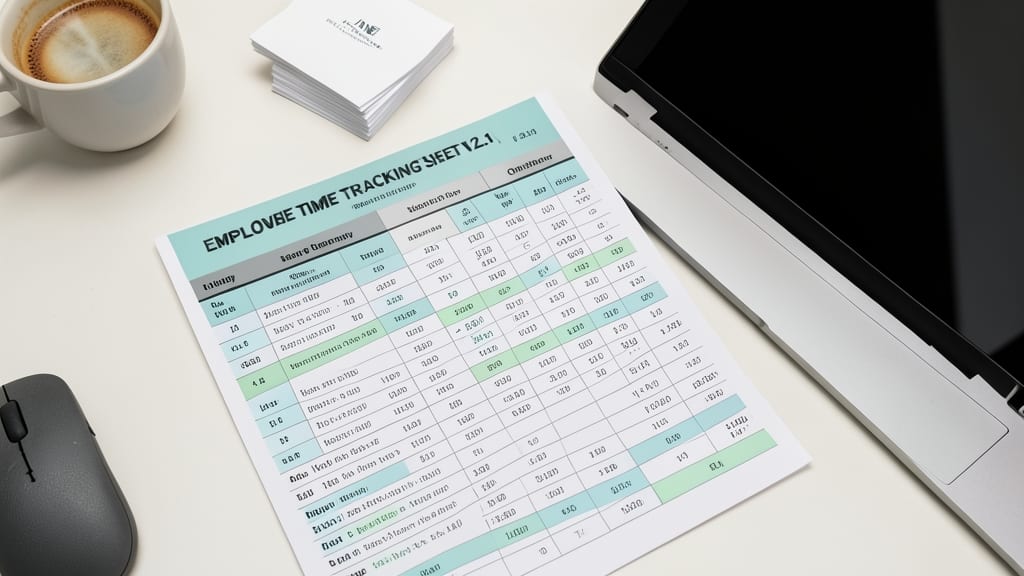
Say goodbye to guesswork and hello to compliance-ready payroll with this Employee Time Tracking Sheet. Designed for freelancers and small teams, it automates hourly logs, break durations, and overtime calculations—so you never miss a deadline or miscalculate wages again.
The template includes pre-built formulas for payroll math, color-coded alerts for overtime thresholds (like 40+ hours/week), and customizable fields for project-based billing. You can even add notes for client approvals or task details, turning it into a productivity hub. Works seamlessly with Excel 2016+ and Google Sheets for flexibility. 💻
Perfect for solopreneurs, remote teams, or agencies juggling multiple clients—this sheet keeps everyone’s hours transparent while saving hours on manual calculations. ⚡
Marketing Campaign ROI Calculator
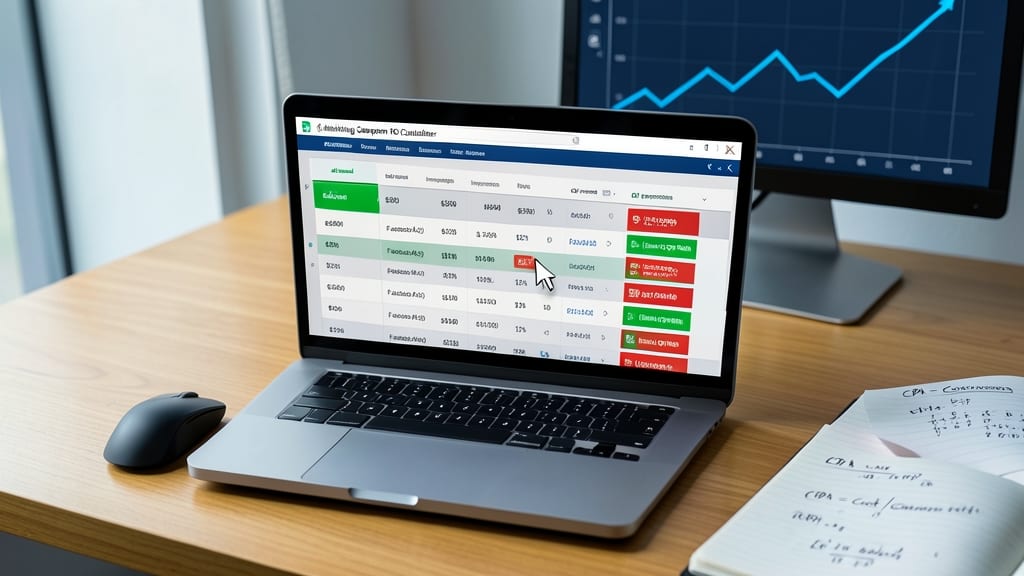
Tired of guessing whether your marketing dollars are actually paying off? This Marketing Campaign ROI Calculator puts hard numbers behind your ads, social media, and email efforts—so you can double down on what works and ditch what doesn’t.
Designed for small businesses with limited budgets, it tracks campaign spend vs. conversions (sales, sign-ups, or leads) and calculates ROI percentages in seconds. The template includes pre-built formulas for cost-per-click (CPC) analysis, conversion rates, and even lifetime value estimates—no coding required. Just plug in your data, and let Excel crunch the numbers for you.
Perfect for solopreneurs, e-commerce stores, or local service providers running ads on Facebook, Google, or email newsletters. Stop flying blind with your marketing spend—this template turns guesswork into data-driven decisions. ✨
Meeting Agenda and Minutes Template
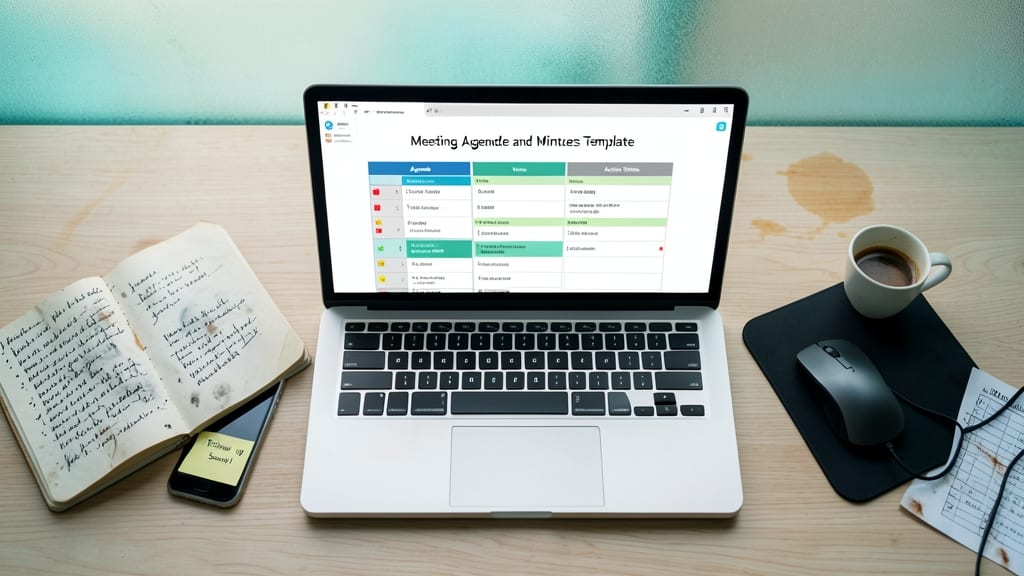
Tired of spending half your meeting time scrambling to organize notes or forgetting follow-ups? This Meeting Agenda and Minutes Template turns chaotic discussions into structured, actionable outcomes in minutes—no more last-minute emails chasing down details.
Designed with pre-filled time slots, attendee tracking, and action-item checkboxes, it ensures every meeting stays on track. The built-in automated follow-up section assigns owners and deadlines, so nothing slips through the cracks. Compatible with Excel 2010 and later, it’s ready to use right out of the box with minimal setup.
Perfect for solopreneurs, startup founders, and remote teams, this template cuts post-meeting admin time by 70%—so you can focus on execution instead of paperwork. ✨
Break-Even Analysis Spreadsheet
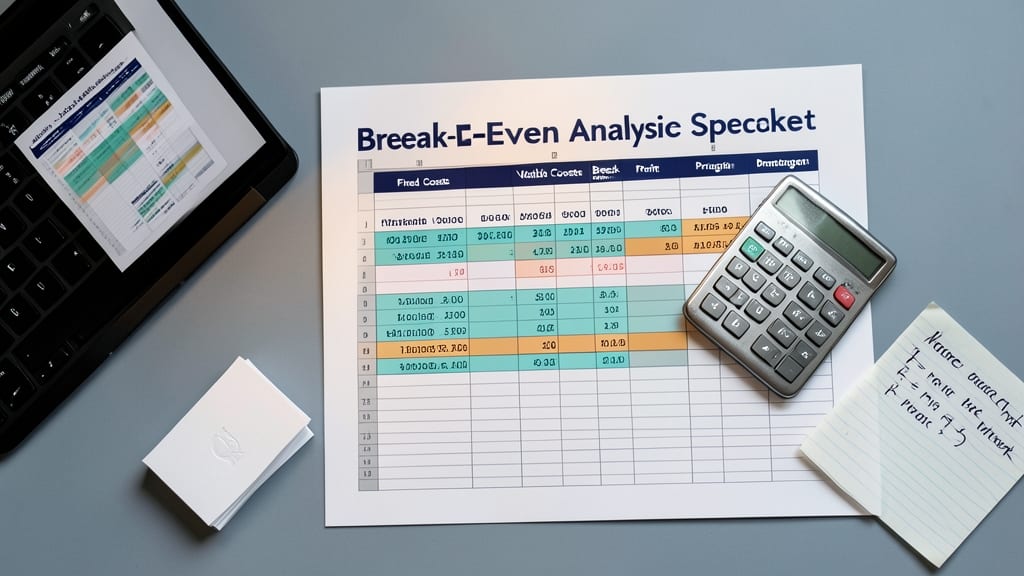
Struggling to set prices that actually make you money? The Break-Even Analysis Spreadsheet solves this by crunching numbers to show exactly how many products or services you need to sell to cover costs—and start turning a profit. No more guesswork or sleepless nights wondering if your pricing is right.
This template includes pre-built formulas for fixed costs (rent, utilities), variable costs (per-unit production), and revenue projections—just plug in your numbers, and it calculates your break-even point in units and dollars. Visualize the data with a built-in break-even chart to see how pricing adjustments impact profitability instantly.
Perfect for e-commerce sellers, handmade artisans, or service providers who need to validate pricing before launching. Download it, tweak the assumptions, and watch confidence in your pricing strategy soar. ✨